Early access · Release date: October 7, 2019
UpdatedMX Bikes PC Requirements: Can Your Computer Run It?
Check MX Bikes pc requirements for Windows, RAM, graphics, storage, and VR. Compare minimum specs and try the demo before buying your next motocross sim.
Jump to
What Does Your PC Need to Run MX Bikes?
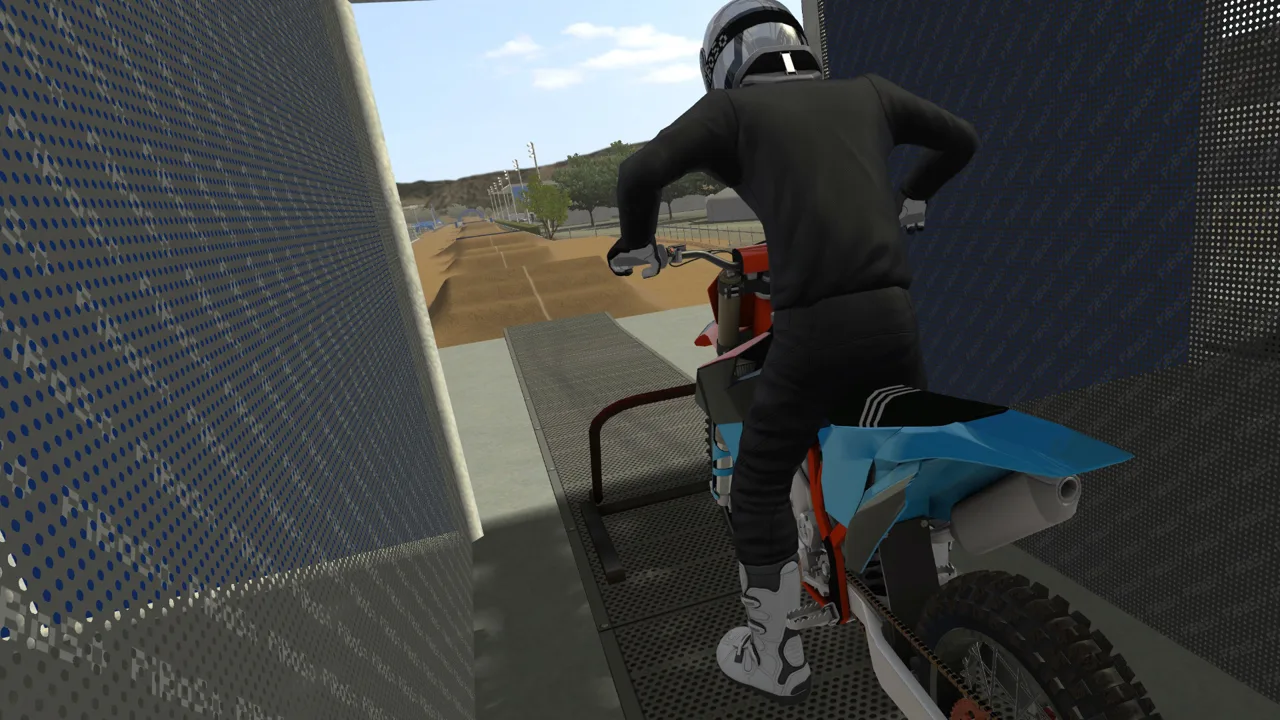
MX Bikes pc requirements start at a 2 GHz processor, 4 GB of RAM, and an OpenGL-compatible graphics chip with 512 MB of video memory for standard play. VR raises the processor and graphics requirements considerably. Before spending money on an upgrade, compare your computer with the minimum specs below and try the demo.
| Component | Minimum for Standard Play |
|---|---|
| Processor | 2 GHz CPU |
| System memory | 4 GB RAM |
| Graphics | OpenGL 1.2.1-compatible GPU with 512 MB of video RAM |
| DirectX | Version 8.1 |
| Storage | 2 GB available space |
| Architecture | 64-bit processor and operating system |
The Windows download supports 64-bit versions of Windows XP, Vista, 7, 8, 10, and 11. For a Windows 10 or Windows 11 computer, check that your operating system and processor are both 64-bit.
Check graphics compatibility alongside video memory. A GPU needs OpenGL 1.2.1 support as well as the stated memory capacity. Having enough VRAM alone does not satisfy both requirements.
The same checks apply to laptops. Identify the processor, installed RAM, and graphics hardware before deciding whether the machine meets the minimums. A laptop’s product name alone tells you little about its graphics capabilities.
VR Has Separate Hardware Requirements
For VR, MX Bikes specifies an Intel Core i5-4590 or AMD FX 8350 processor or better, paired with a GeForce GTX 970 or AMD Radeon R9 290 graphics card or better. These are the VR requirements; the standard desktop CPU requirement remains 2 GHz.
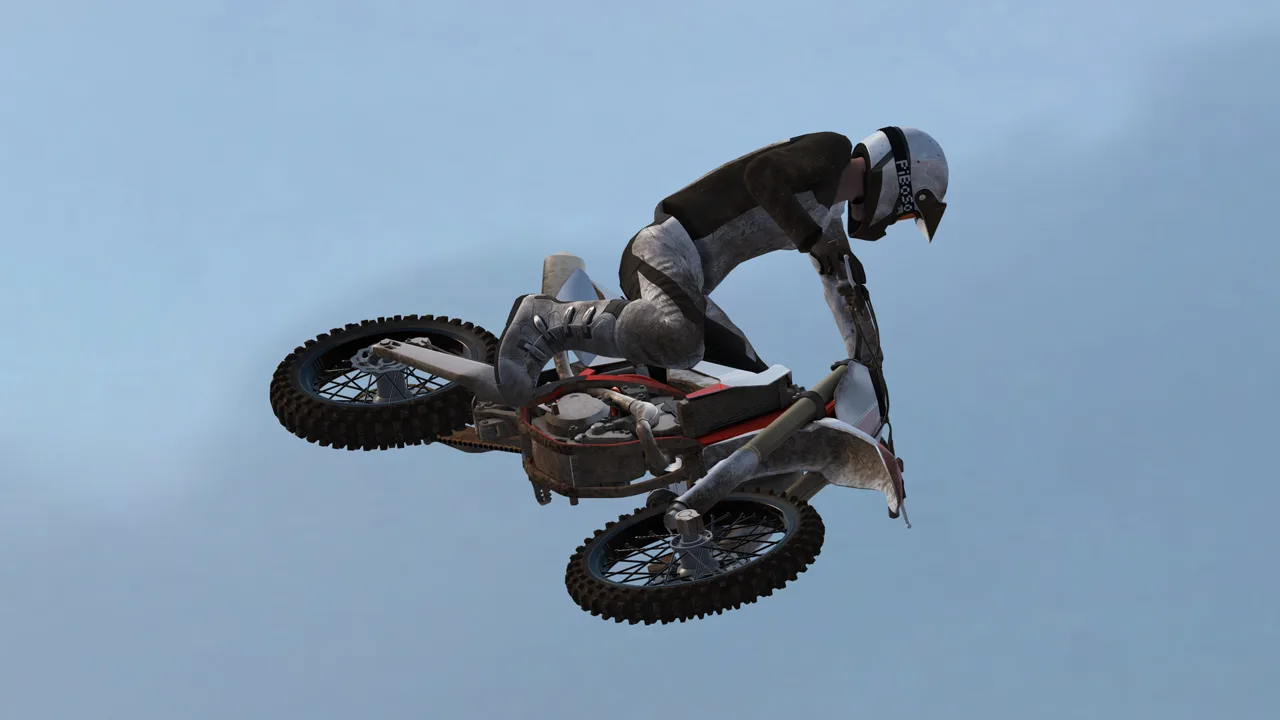 Image: Steam / PiBoSo
Native headset support includes Oculus Rift and SteamVR devices such as HTC Vive and Valve Index.
Keep those two hardware targets separate when shopping for a PC. You do not need to use the VR graphics requirement as the baseline for playing on a regular monitor. If riding in a headset is your goal, compare your processor and GPU against the VR specifications before choosing hardware.
Leave Storage Space for the Download and Mods
The minimum storage figure is 2 GB, but the beta21e download is 2.21 GB. Leave room beyond the minimum for the download, installation, and any additional content you want to keep.
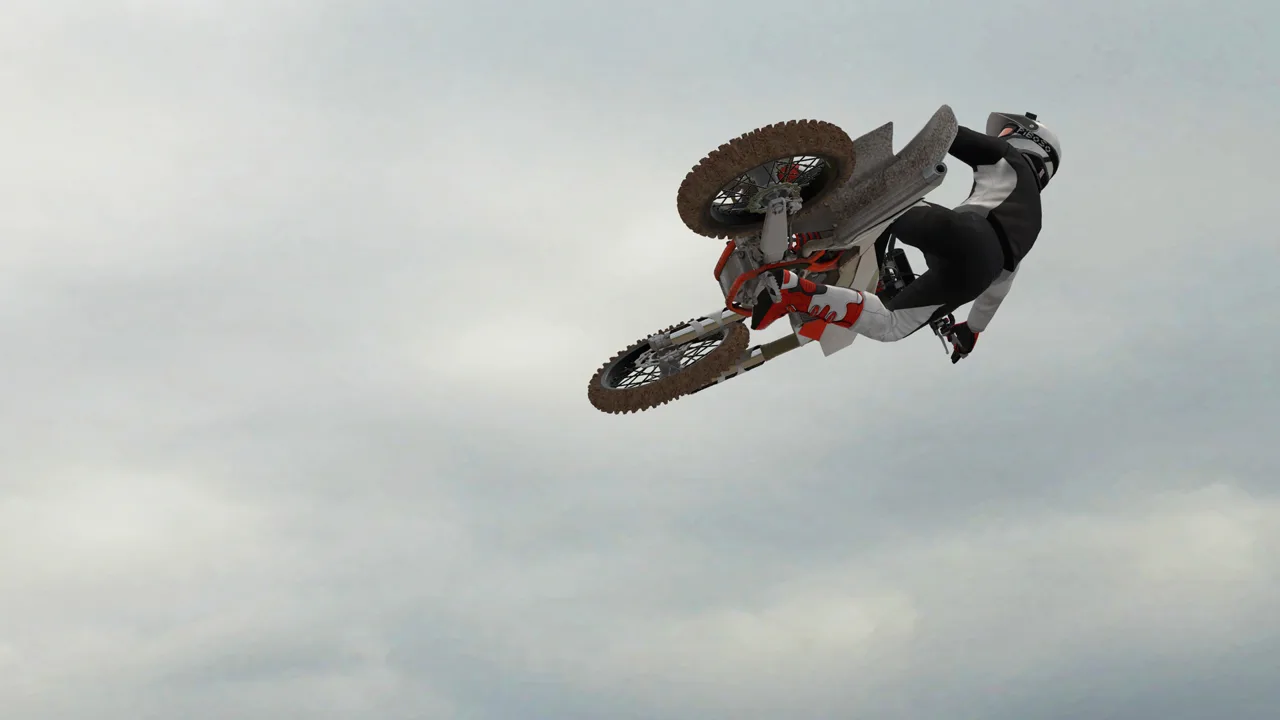 Image: Steam / PiBoSo
Custom content is a major part of MX Bikes. You can add tracks, bikes, helmets, riding gear, and paint designs, so your storage needs depend on what you install. The base storage requirement is not a budget for an expanding mod collection.
Install additional content carefully:
- Extract downloaded archives into the correct mod locations.
- Follow the installation instructions for each package.
- If crashes or lobby-loading problems begin after adding content, check that installation before assuming your hardware needs replacing.
Incorrectly installed mods can cause crashes and prevent you from entering online lobbies. More powerful hardware will not fix misplaced files.
Try the Demo Before Buying Hardware
The download from the MX Bikes download page runs as a demo until you unlock it with a license key. Use it to see how the game feels on your computer before committing to a purchase or an upgrade.
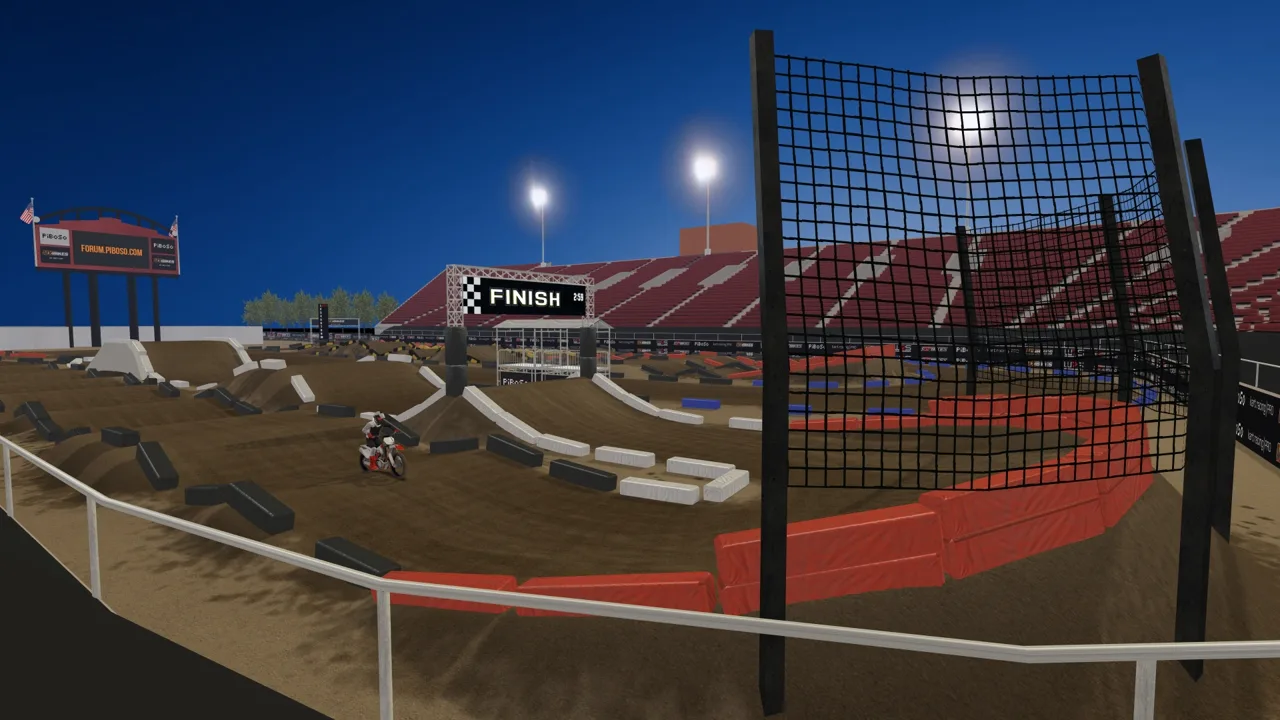 Image: Steam / PiBoSo
Start with the included content so you can assess the game before introducing mod installation problems. Update your graphics drivers to the latest official version available for your GPU.
Pay attention to control setup during that trial, too. A gamepad is recommended, and MX Bikes uses separate bike and rider movements. Controller settings matter when learning how to balance through corners, handle bumps, and correct the bike in the air.
Give yourself time to distinguish awkward controls from performance problems. Sitting, standing, rider lean, and throttle control all affect how the bike behaves; difficulty completing a clean lap does not automatically mean your PC is struggling.
Continue with
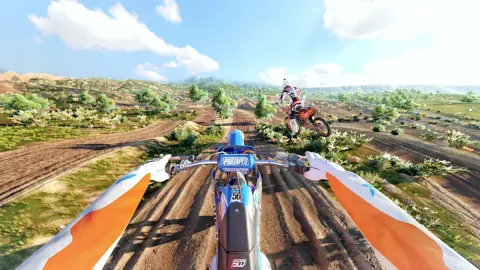 MX Bikes VR Setup Guide: Controls, Settings, and TipsSet up MX Bikes VR with launch options, controller tips, camera recenter steps, and graphics tweaks to get comfortable before tackling jumps and ruts.
More in Platforms
See all PlatformsPopular pages
MX Bikes Beginner Guide: Ride Faster With Fewer Crashes
MX Bikes beginner guide covers controller setup, cornering, braking, jumps, and mods. Learn to ride smoother, avoid crashes, and build consistent speed.
MX Bikes Model Swap: Install Guide and Paint Fixes
Install an MX Bikes model swap with the right bike folder, match paints and exhausts, and fix missing models or stretched graphics before your next ride.
MX Bikes Account: Sign Up for Mods and Online Racing
Set up your MX Bikes account for mod access and championship sign-ups. Learn which login to use, how to confirm your email, and how to register for races.
MX Bikes Map Mod: How to Install Tracks and Freeride
Find an MX Bikes map mod, install custom tracks in the right folder, and fix loading issues. Explore motocross layouts, compounds, and freeride terrain.
Join the community
Official channels for news, updates and player help: