Early access · Release date: October 7, 2019
UpdatedMX Bikes Account: Sign Up for Mods and Online Racing
Set up your MX Bikes account for mod access and championship sign-ups. Learn which login to use, how to confirm your email, and how to register for races.
Jump to
Which Account Do You Need for MX Bikes?
Your MX Bikes account setup depends on whether you want to play through Steam, create a mod-site profile, or register for championship races. Choosing the right service matters because each handles a different part of getting you onto the track. Start with the activity you want to do, then use its registration or login page.
For the Windows game on Steam, use your Steam account to get MX Bikes for PC. Community mod sites and championship registration platforms have their own account features.
Keep these purposes straight:
- Steam: Access the Steam version of the game.
- Mod-site profile: Use the mod website’s account features, including publishing content and managing your profile.
- Championship profile: Register for organized events and view race records.
The game supports online racing, LAN racing, and dedicated servers. Championship registration is a separate step for entering an organizer’s scheduled events.
How to Create a Mod-Site Profile
On the mod website’s Create account page, the registration form includes these required fields:
 Image: Steam / PiBoSo
- Username
- Email address
- Password
- Password confirmation
A country selector is also available. Enter an email address you can access, because new registrations require email confirmation.
Complete the confirmation before leaving the account unused. Registrations without email confirmation are automatically deleted after seven days. If the message does not appear in your inbox, check your spam folder.
The page also offers Continue with Discord and Continue with Steam. Use one of those buttons if you prefer an offered sign-in method over filling out the standard registration form.
Once registered, keep track of the method you chose. A Steam sign-in button on a community website serves that website’s login process; keep your game access and website profile details organized separately.
How to Register for Championship Races
Create a profile on the championship registration website, log in, and open Race List. You can browse championship pages too, but the race list gives you a direct route to individual events.
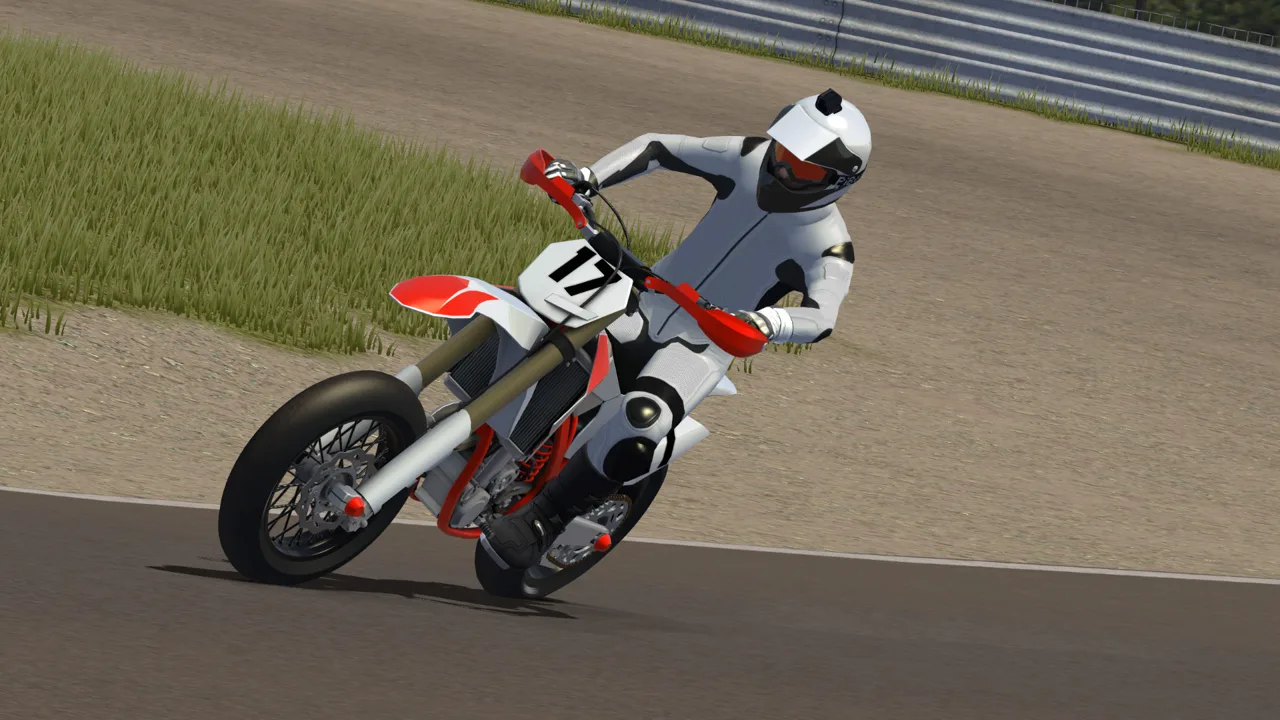 Image: Steam / PiBoSo
Follow this sequence:
- Choose an upcoming race. Finished events appear grayed out in the registration walkthrough.
- Read the event schedule. Check registration opening and closing times, qualifying start and end times, and the race time.
- Open the track link. Identify the track you need before preparing for the event.
- Choose your race number when prompted. This appears when entering a championship for the first time in the demonstrated process.
- Click Register.
- Check the entrant list and your assigned group. The event page can show who has entered and which group you are in.
Read the race information before committing your evening to an event. The organizer’s Discord link provides a place for questions, additional race details, and protests.
Look for an amateur series while you are building consistency. Harder championship fields are available too, so choose an event that matches your riding ability and schedule.
After racing, use the championship pages to review previous events, qualifying times, race results, and your personal racing record.
Sort Out Login Problems Before Race Day
If a login fails, first check which service you are trying to enter. Return to the same website and sign-in method you used when registering.
 Image: Steam / PiBoSo
For a new mod-site profile, check your confirmation email before repeatedly trying to log in. Use the website’s password-reset option if you have forgotten the password, then watch for its reset email.
If you can log in but cannot register for a race, check whether the event has finished or its registration window has closed. For event-specific questions, use the organizer’s contact link on the race information page.
Before race time, open your event entry again and check your number, group, track, and schedule. That puts the practical details in front of you before you launch the game.
Continue with
 MX Bikes Discord: Find Mod Help and Online Race TipsFind your way around MX Bikes Discord communities, get Project OEM mod support, and learn what to ask before joining online races or changing your setup.
More in Online
See all Online
Popular pages
MX Bikes Beginner Guide: Ride Faster With Fewer Crashes
MX Bikes beginner guide covers controller setup, cornering, braking, jumps, and mods. Learn to ride smoother, avoid crashes, and build consistent speed.
MX Bikes Model Swap: Install Guide and Paint Fixes
Install an MX Bikes model swap with the right bike folder, match paints and exhausts, and fix missing models or stretched graphics before your next ride.
MX Bikes Map Mod: How to Install Tracks and Freeride
Find an MX Bikes map mod, install custom tracks in the right folder, and fix loading issues. Explore motocross layouts, compounds, and freeride terrain.
MX Bikes Demo: Download, PC Requirements, and Setup
Try out the MX Bikes demo on Windows. Find the download, compare PC requirements, set up your controller, and learn smoother starts, corners, and jumps.
Join the community
Official channels for news, updates and player help: