Early access · Release date: October 7, 2019
UpdatedMX Bikes Demo: Download, PC Requirements, and Setup
Try out the MX Bikes demo on Windows. Find the download, compare PC requirements, set up your controller, and learn smoother starts, corners, and jumps.
Jump to
Where to Download the Demo
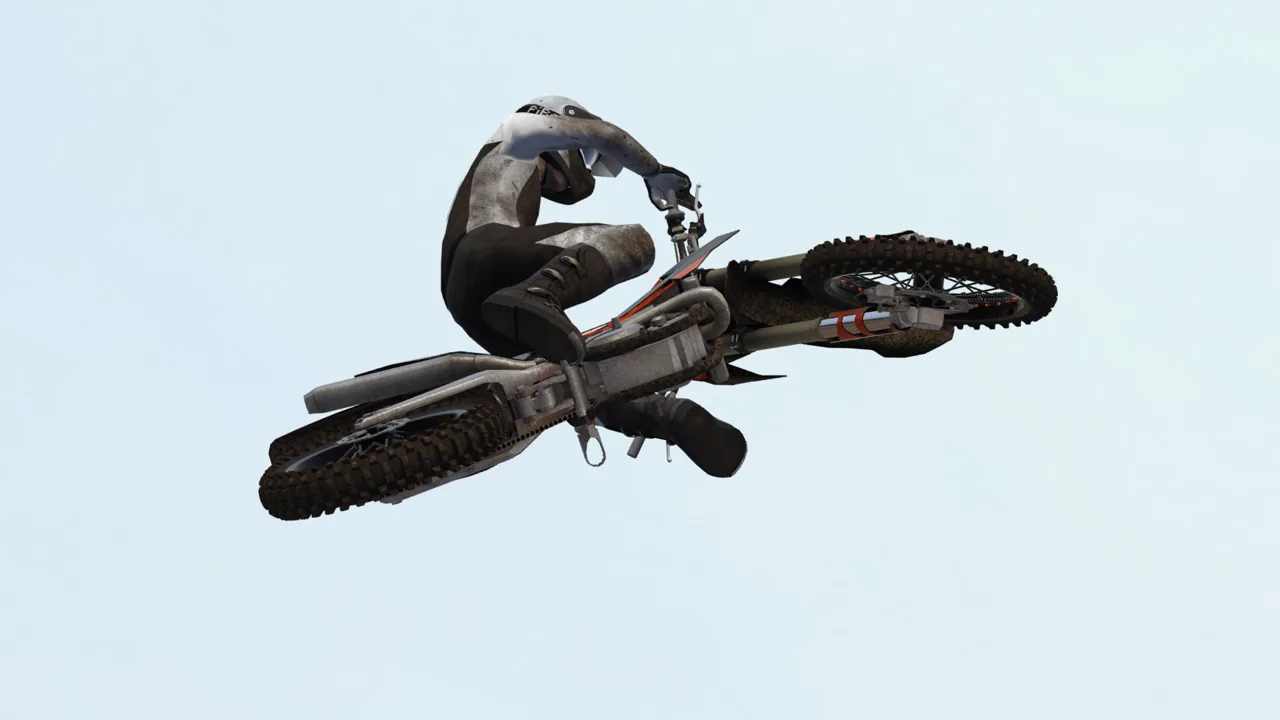
The MX Bikes demo lets you try PiBoSo’s motocross simulator before buying a license. Use it to get comfortable with throttle control, rider balance, and braking before deciding whether you enjoy its demanding handling. Start with controlled laps and give yourself room to learn.
Head to the MX Bikes download page and download the game installer. The beta21e download is 2.21 GB and runs in demo mode until you enter a license key.
The June 10, 2026 beta21e update brought fixes for terrain deformation, rider leg simulation, and harsh multiplayer collisions. It also added tire selection support and an overjump crash option. The game remains in beta, with further changes planned during development.
PC Requirements and Supported Platforms
MX Bikes runs on 64-bit Windows. The standalone download and Steam version have different minimum memory requirements, so compare the figures for the version you plan to install.
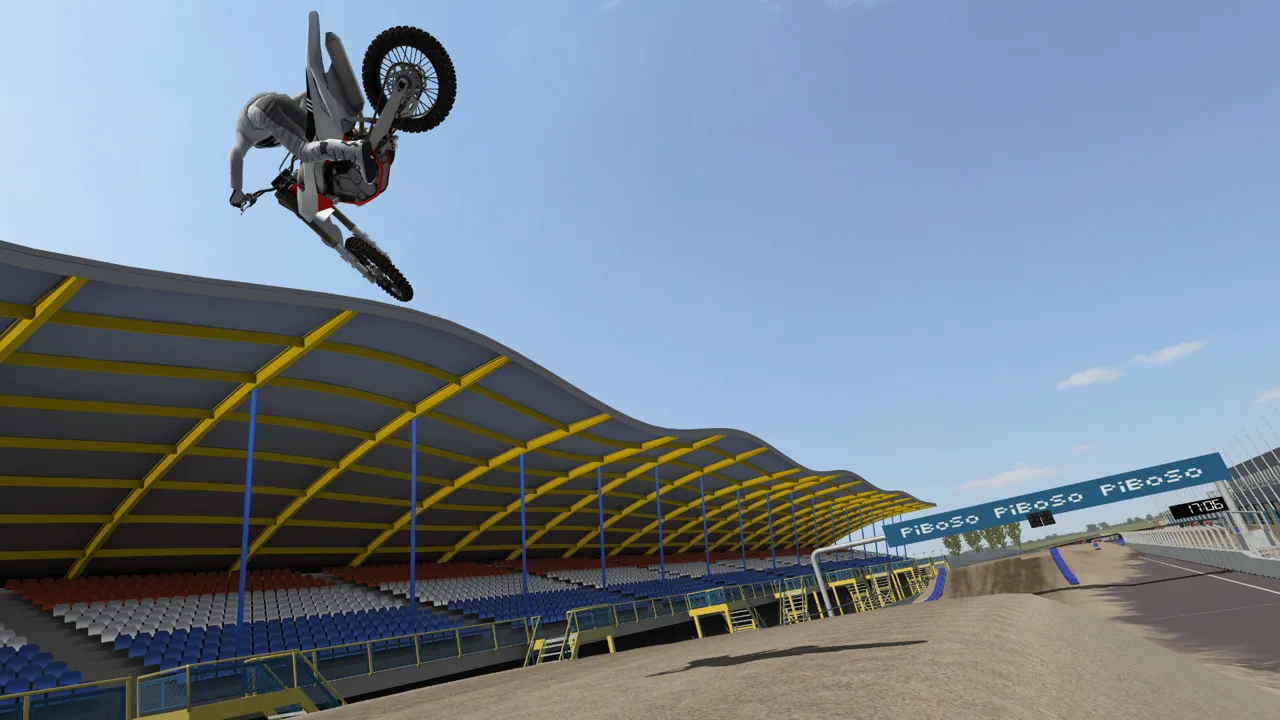 Image: Steam / PiBoSo
| Component | Standalone download minimum | Steam version minimum |
|---|---|---|
| Processor | 2 GHz | 2 GHz |
| RAM | 2 GB | 4 GB |
| Video memory | 256 MB | 512 MB |
| Graphics compatibility | OpenGL 1.2.1 | OpenGL 1.2.1 |
| DirectX | DirectX 8.1 or newer libraries | DirectX 8.1 |
Update your graphics drivers before troubleshooting performance or rendering problems.
VR has separate hardware requirements. The Steam version specifies an Intel Core i5-4590 or AMD FX 8350, plus a GeForce GTX 970 or AMD Radeon R9 290, or better, for VR. Its supported VR systems include Oculus Rift and SteamVR.
What Kind of Game Are You Trying?
MX Bikes focuses on motorcycle physics, bike setup, and riding technique. Throttle, braking, and rider position all affect how the bike behaves, so simply holding the accelerator can quickly end a run.
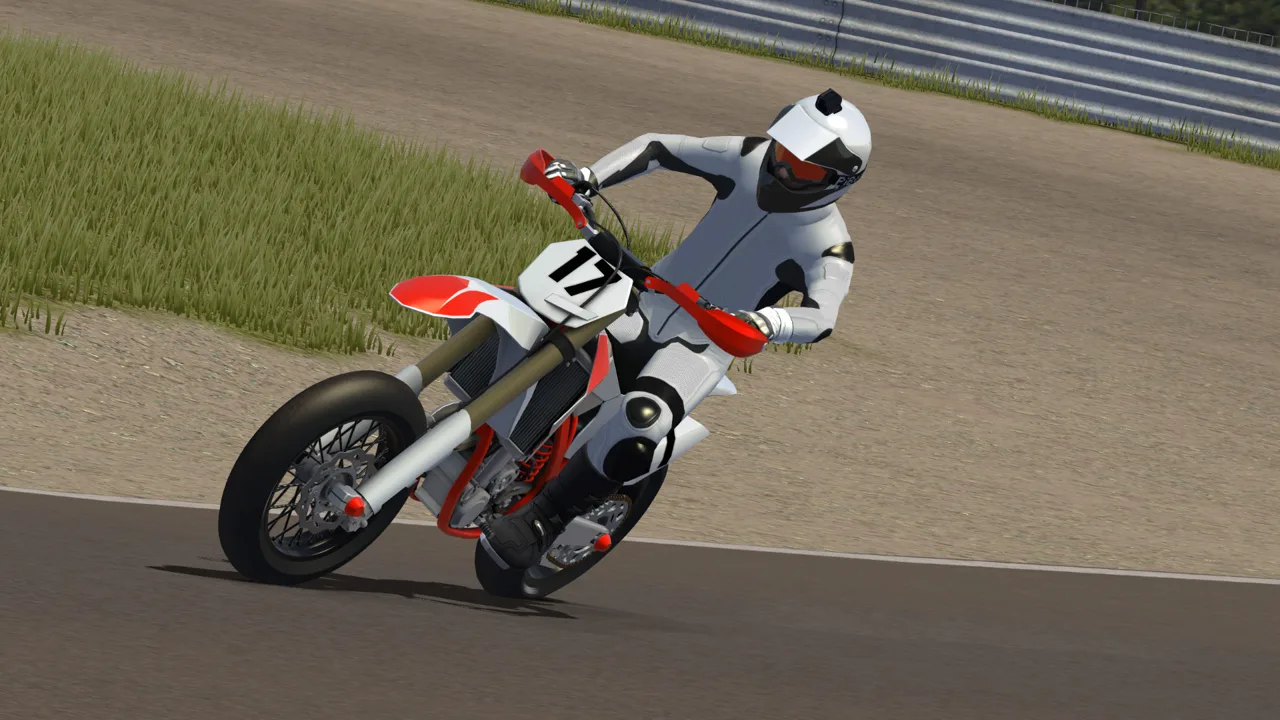 Image: Steam / PiBoSo
The full game includes solo riding, LAN racing, and online multiplayer, but there are no AI opponents or career mode. If you want computer-controlled races or a career ladder, keep that distinction in mind before purchasing.
Its simulation features include chassis flex, deforming terrain, wet conditions, and detailed tire behavior. The full game also provides customization tools for tracks, bikes, and riding gear.
Use your practice time to judge the handling: whether learning to balance the bike, hold a line, and land cleanly feels rewarding.
Set Up Your Controller Before Chasing Lap Times
A gamepad is recommended, and the Steam version has partial controller support. Open the input settings and identify the controls for throttle, brakes, steering, rider lean, shifting, and sitting or standing.
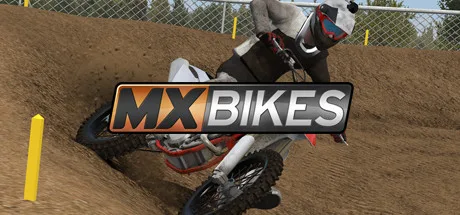 Image: Steam / PiBoSo
Avoid copying an experienced rider’s entire configuration immediately. Start with controls you understand, then change individual settings as you discover what feels awkward.
Several assists can reduce the number of inputs you need to manage:
- Auto clutch: Handles clutch operation while you concentrate on riding.
- Brake help: Helps prevent wheel lockup under braking.
- Automatic rider sit: Handles sitting and standing.
- Automatic rider lean: Assists with rider movement, including forward and backward lean.
Enable the assists you want to use, then practice with that setup before changing it again. Manual shifting and manual rider movement can come later.
Practice Starts, Corners, and Small Jumps
Pull away with gradual throttle
Try a 250F rather than a 450 when choosing a beginner bike. The lower-powered option gives you more room to practice throttle control.
Lean forward as you pull away and feed in the throttle gradually. If the front wheel rises immediately, ease your acceleration instead of repeating the same hard launch.
Brake before pushing corner speed
Shift your rider’s weight rearward under hard braking to help balance the bike. Work on entering corners at a manageable speed before trying to carry more momentum.
With manual rider lean, practice moving forward through turns and leaning your rider toward the outside of the turn. This outside-weight technique adds another input to manage, so learn it after you can reliably follow your intended line.
Build consistency over jumps
Stand on straights and over jumps, then practice sitting for corners if you control rider position manually.
Approach jumps smoothly and learn how forward and backward rider lean affect the bike’s pitch. Throttle and braking also influence its attitude in the air: throttle can raise the front, while a brake tap can bring it down.
Practice those corrections on manageable jumps. Focus on a repeatable approach and landing before adding speed or attempting larger obstacles.
Fix Launch and Riding Problems
If the game will not launch, restart your PC and temporarily disconnect extra USB input devices, leaving your keyboard and mouse connected. Some controllers and other input hardware can interfere with startup.
For crashes after adding mods or plugins, move those additions out temporarily and test again. Add them back individually to identify the trigger. If a crash happens when leaving the pits, select the bike’s default setup before trying again.
If you need to reset user settings, rename rather than delete the Documents\PiBoSo\MX Bikes\ folder. The game creates a fresh folder on its next launch, while the renamed copy preserves your existing files.
For an installed Steam copy, use Properties > Installed Files > Verify integrity to check the installation. That repair option applies to Steam installations; use the standalone installer for the downloadable trial build.
Continue with
 MX Bikes PC Requirements: Can Your Computer Run It?Check MX Bikes pc requirements for Windows, RAM, graphics, storage, and VR. Compare minimum specs and try the demo before buying your next motocross sim.
More in Platforms
See all Platforms
Continue exploring
MX Bikes Mods: Install OEM Bikes, Tracks, and Gear
Install MX Bikes mods with clear steps for OEM bikes, tires, tracks, rider gear, and Max HUD. Learn the folder paths and fix common setup mistakes on PC.
MX Bikes Tracks Guide: Install Mods and Ride Better
Use this MX Bikes tracks guide to install custom tracks, choose new layouts, practice cleaner corner entries, and get ready for online motocross racing.
Join the community
Official channels for news, updates and player help: