Early access · Release date: October 7, 2019
UpdatedMX Bikes Map Mod: How to Install Tracks and Freeride
Find an MX Bikes map mod, install custom tracks in the right folder, and fix loading issues. Explore motocross layouts, compounds, and freeride terrain.
Jump to
How to Install Custom Tracks in MX Bikes
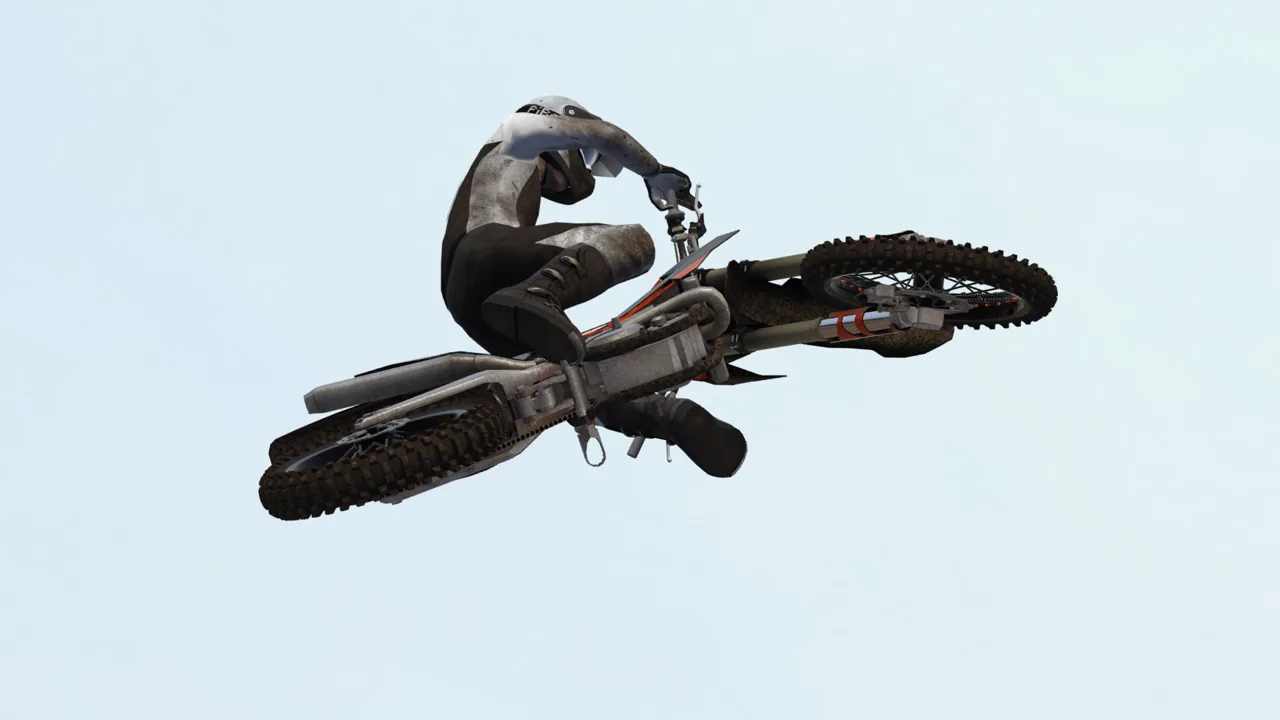
A fresh track gives you new jumps to learn and new lines to chase. Install an MX Bikes map mod by extracting its download and placing the track files under Documents\PiBoSo\MX Bikes\mods\tracks. For a motocross download, use the Motocross folder inside that directory.
You’ll need an archive tool such as 7-Zip or WinRAR for downloads packaged as ZIP or RAR files. Follow these steps:
- Download the track archive. Read the download’s installation instructions before moving its contents.
- Extract the ZIP or RAR. Open the extracted folder to find the track package files.
- Locate your user mods directory. Open
Documents\PiBoSo\MX Bikes\mods. - Open
tracks, thenMotocross. This is the destination for the motocross track installation described here. - Move the included
.pkzfiles into that folder. Keep those track packages intact rather than unpacking them again. - Launch MX Bikes and select the track. Open Race, choose Host World, continue to track selection, select your installed map, and start the session.
The destination should look like this: Documents\PiBoSo\MX Bikes\mods\tracks\Motocross.
Use the PiBoSo folder in Documents for this installation. Opening the game’s Steam installation directory takes you somewhere different.
Official page: MX Bikes (mx-bikes.com)
Pick a Track That Matches Your Riding Plans
Custom content covers several kinds of riding, from structured race layouts to areas built around exploration. Browse by discipline so you spend more time riding the terrain you wanted.
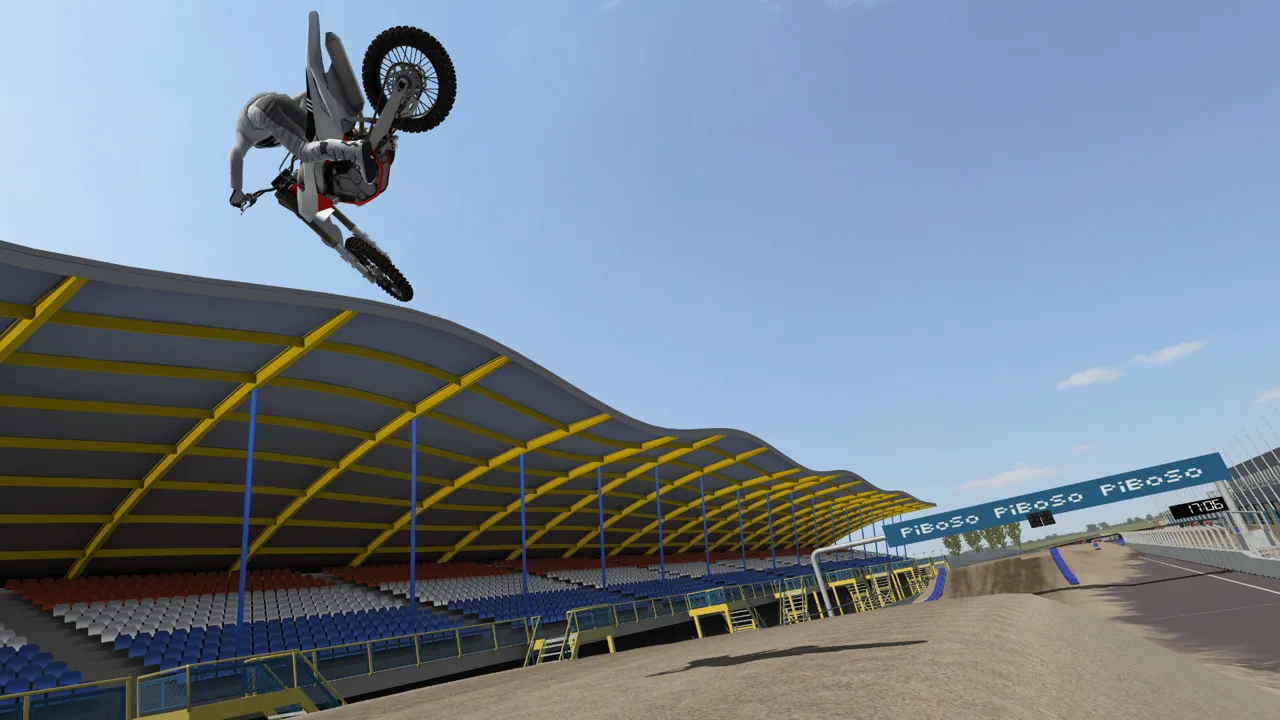 Image: Steam / PiBoSo
- Motocross: Downloads include TWO BROTHERS MX and The Backyard – Assateague Island.
- Supercross: Temecula Supercross and Under the Lights SX appear among the available layouts.
- Compounds: Razorback Compound is categorized as a compound.
- Enduro: 2026 ARL Super Enduro R2 Germany adds another discipline to the selection.
Free and paid downloads both exist. Check the individual download’s contents and price before choosing a package, especially when you’re looking for a track rather than bike paints or rider gear.
Keep multiplayer requirements separate from track installation. If your group uses the OEM motocross bike pack, install that pack too: its bikes and tyres folders belong inside mods. Downloading a circuit alone doesn’t install the bikes your group is using.
Explore Freeride Terrain Before Sending Big Jumps
Freeride areas can connect jump lines, trails, hill climbs, and transfers across a much less structured riding space. The challenge is finding a workable approach and understanding where the landing actually goes.
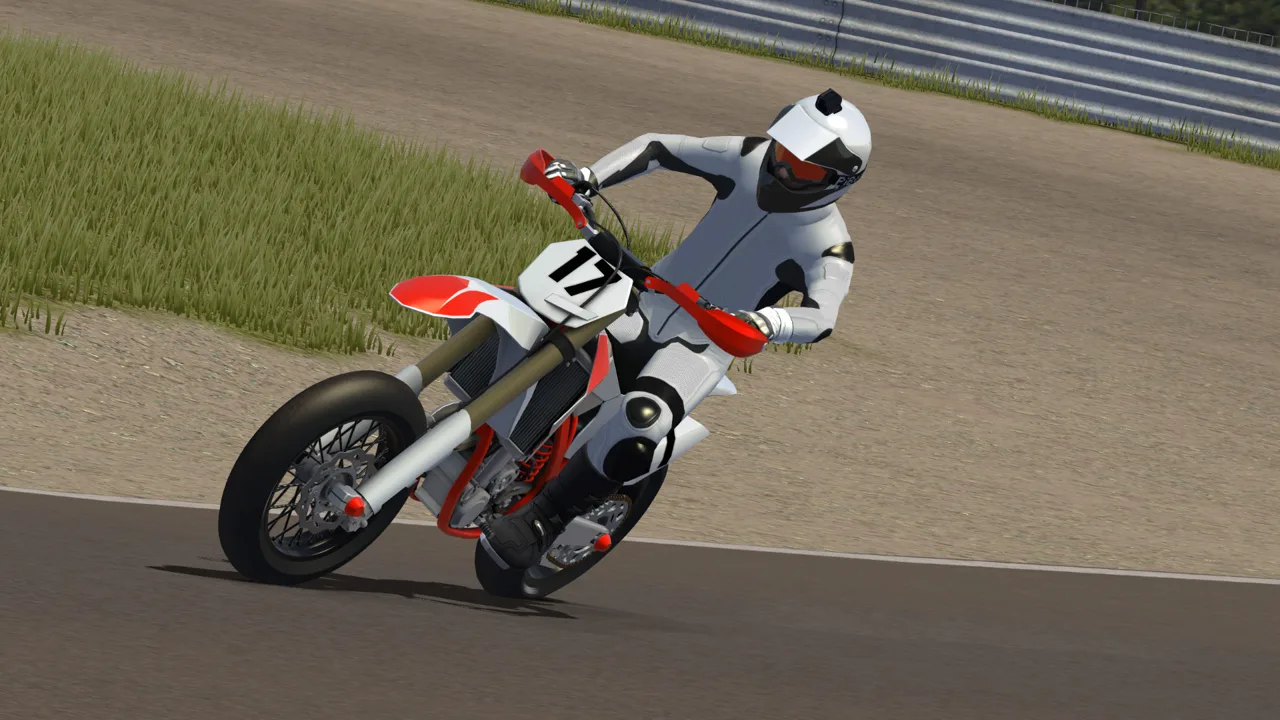 Image: Steam / PiBoSo
Scout unfamiliar terrain before committing to a fast run. A slope that looks like a trail entrance can lead straight to a drop-off, while rocks beyond a landing can punish an overjump.
For jump attempts:
- Inspect the landing first. Identify the downslope and any obstacles beyond it.
- Choose a smooth approach. A rough run-up can spoil the attempt before you reach the lip.
- Use a track marker for repeated attempts. Set it far enough back to give yourself the approach you need.
- Change your line when speed stops helping. More throttle won’t necessarily produce the height required for a transfer.
On steep climbs, carry momentum into the difficult section. If you reach a usable stopping point, reposition for a cleaner approach to the remaining slope instead of repeating the same failed line.
Graphics Overhauls Are Separate From Tracks
Custom terrain and graphics modifications are separate downloads. A graphics overhaul can provide controls for color treatment, time of day, rain, brightness, and track wetness.
Start with enough light to read jump faces and landings. Sunset lighting can transform the atmosphere, but raise brightness if the terrain becomes difficult to judge.
MX Bikes also supports wet weather, wet terrain simulation, and dynamic terrain deformation. Its June 10, 2026 beta21e update included a terrain deformation fix and added an overjump crash option—relevant settings and behavior to keep in mind when practicing unfamiliar jumps.
Fix Missing Tracks and Loading Crashes
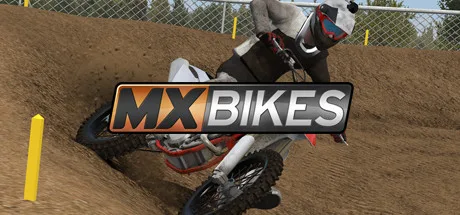 Image: Steam / PiBoSo
If the track doesn’t appear, check the installation location first. Confirm that you extracted the outer download archive and moved the actual .pkz packages into the track folder. Leaving the ZIP or RAR there skips the extraction step.
If the game crashes while loading a large map, check available RAM. Detailed custom tracks can demand substantially more memory than the base tracks. Open Task Manager with Ctrl + Shift + Esc, check the Performance tab, and close memory-heavy background applications before trying again. Aim for 16 GB of RAM for heavier modded play.
If loading succeeds but leaving the pits causes a crash, select the bike’s default setup. A setup saved for an older game or bike-mod version can contain incompatible values. If the default works, rebuild your setup from there.
If crashes continue, isolate your additions. Temporarily move added mods and plugins aside, then restore them one at a time. Keep the native files proxy64.dlo, proxy_udp64.dlo, xinput64.dli, and telemetry64.dlo in place when checking the plugins directory.
For broader problems, verify the game files through Steam: right-click MX Bikes in your library, open Properties, select Installed Files, and choose Verify integrity. Test the troublesome track again after each change so you can identify which step resolves the crash.
Continue with
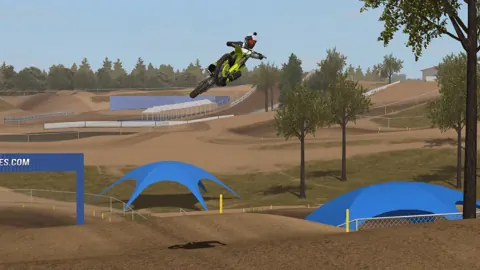 MX Bikes Tracks Guide: Install Mods and Ride BetterUse this MX Bikes tracks guide to install custom tracks, choose new layouts, practice cleaner corner entries, and get ready for online motocross racing.
Popular pages
MX Bikes Beginner Guide: Ride Faster With Fewer Crashes
MX Bikes beginner guide covers controller setup, cornering, braking, jumps, and mods. Learn to ride smoother, avoid crashes, and build consistent speed.
MX Bikes Model Swap: Install Guide and Paint Fixes
Install an MX Bikes model swap with the right bike folder, match paints and exhausts, and fix missing models or stretched graphics before your next ride.
MX Bikes Account: Sign Up for Mods and Online Racing
Set up your MX Bikes account for mod access and championship sign-ups. Learn which login to use, how to confirm your email, and how to register for races.
MX Bikes Demo: Download, PC Requirements, and Setup
Try out the MX Bikes demo on Windows. Find the download, compare PC requirements, set up your controller, and learn smoother starts, corners, and jumps.
Join the community
Official channels for news, updates and player help: