Early access · Release date: October 7, 2019
UpdatedMX Bikes Beginner Guide: Ride Faster With Fewer Crashes
MX Bikes beginner guide covers controller setup, cornering, braking, jumps, and mods. Learn to ride smoother, avoid crashes, and build consistent speed.
1. Start With Clean Laps on an Easy Track
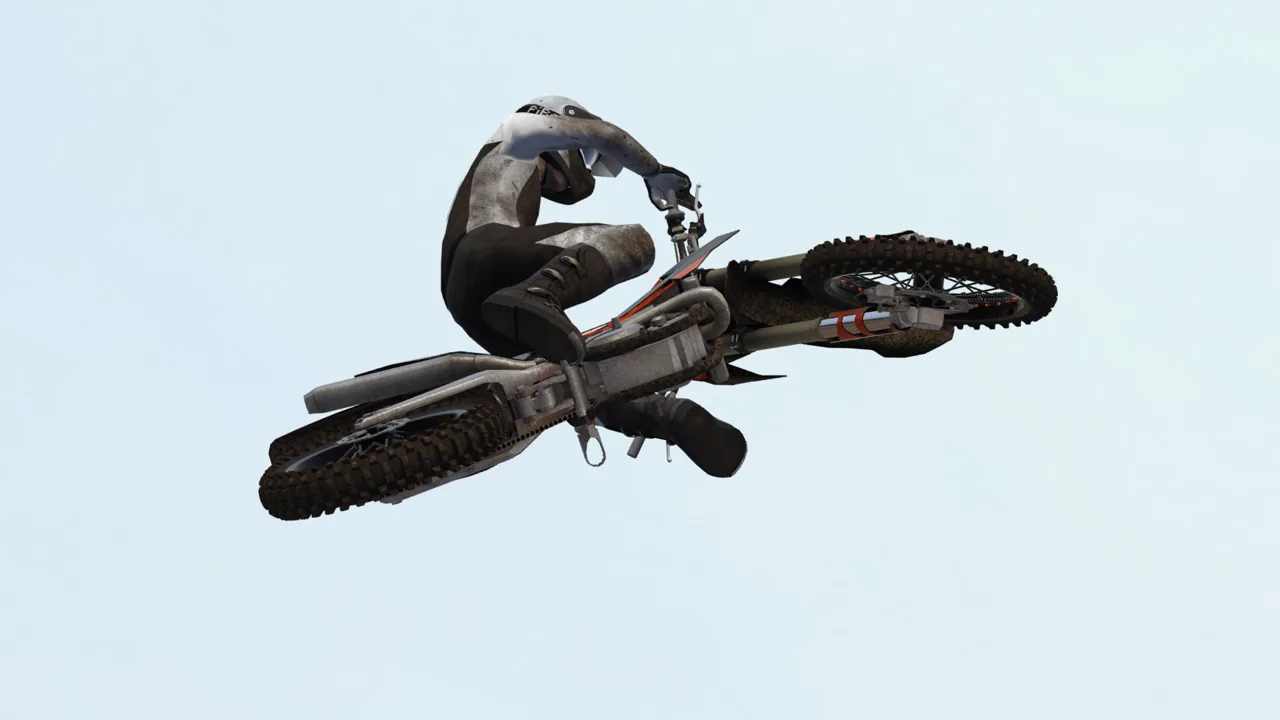
Staying upright through a whole lap is a meaningful achievement in MX Bikes. Crashes interrupt your rhythm, so learning to repeat a manageable pace gives you more useful practice than charging every jump. This MX Bikes beginner guide focuses on the controls, corner entries, and riding habits that help you build that consistency.
MX Bikes simulates motorcycle dynamics, including tire behavior, chassis flex, and changing terrain. Give yourself time to learn how the bike reacts instead of expecting your timing from other motocross games to transfer immediately.
Before choosing your practice routine, know what the game offers:
| Feature | What to expect |
|---|---|
| PC platform | Windows |
| Controls | Gamepad recommended; partial controller support |
| Solo riding | Single-player practice without AI opponents or a career mode |
| Racing | Online and LAN multiplayer; dedicated servers available |
Start on an easier outdoor track such as Forest or Winchester. Leave supercross until you can control your speed and consistently approach jumps on line; its closely spaced obstacles make repeated mistakes frustrating.
Use first or second gear while getting comfortable where the track allows it. Your immediate target is a clean lap, followed by another clean lap at a similar pace.
2. Make Your Controller and Camera Comfortable
Use a gamepad to give yourself gradual throttle and lean inputs. Before chasing bike setups, get comfortable controlling the bike without snapping the sticks or repeatedly stabbing the throttle.
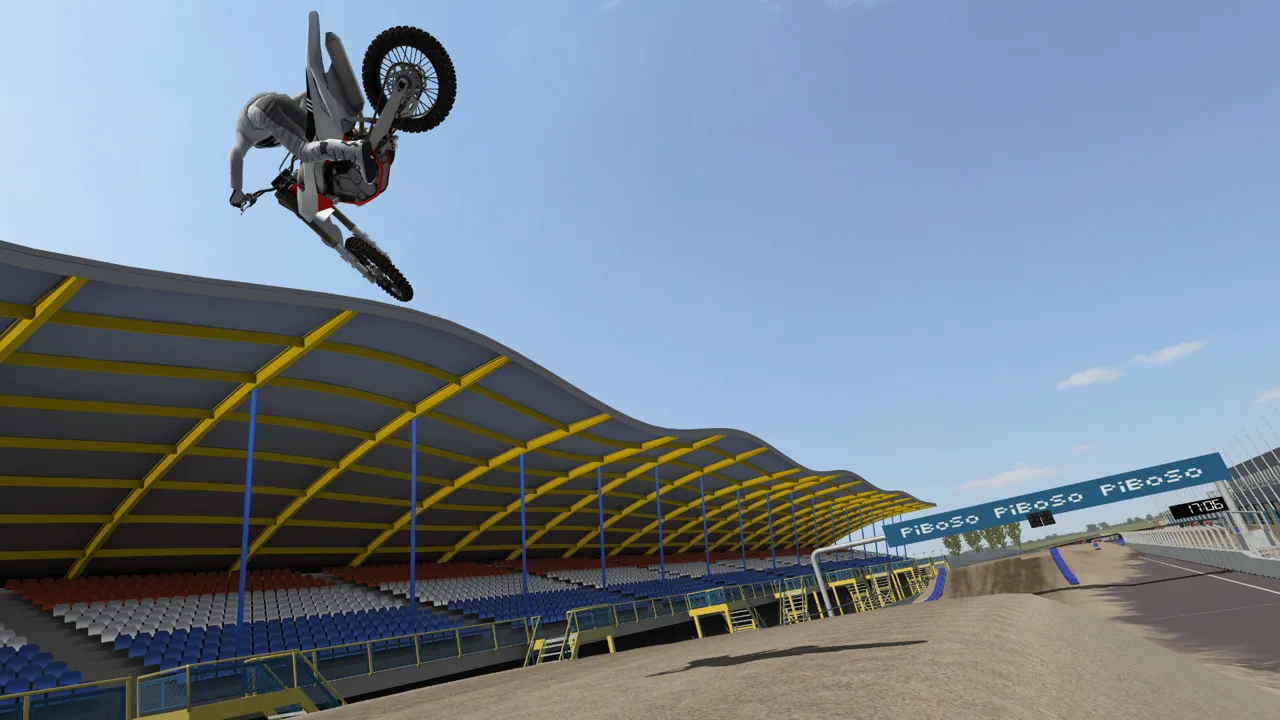 Image: Steam / PiBoSo
Practice these inputs individually:
- Feed in throttle gradually while riding straight.
- Add bike lean gently through a wide corner.
- Move the rider independently of the bike.
- Switch between sitting and standing deliberately.
- Apply the brakes progressively before a turn.
Avoid changing several control settings between attempts. Keep a familiar baseline so you can recognize whether a mistake came from your input or a setting change.
For the camera, try Dynamic Onboard. Press V to cycle views and compare it with Static Onboard. First-person riding can make it easier to judge the bike’s lean and follow the track through a corner.
Camera tilt affects how much the view rotates while turning, while pitch affects how far the view looks downward. Start with a view that keeps the upcoming track visible, then adjust it without losing sight of corner entrances.
3. Choose Assists Around What You’re Learning
You don’t need to master every manual control before enjoying a lap. Give yourself a manageable workload, then introduce more control as your riding becomes consistent.
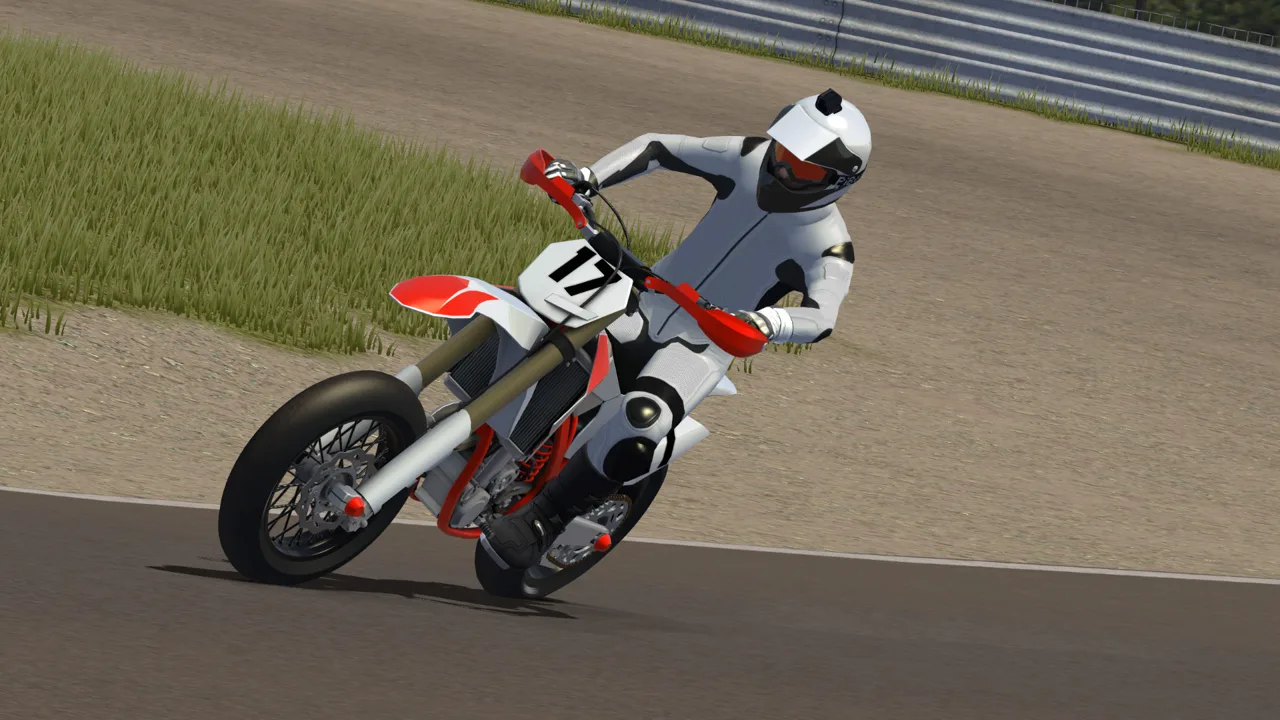 Image: Steam / PiBoSo
Try riding without Lean Help so you can practice controlling lean directly. Keep Brake Help and Auto Clutch available while learning the basics rather than turning everything off at once.
Auto Clutch lets you focus on throttle, line choice, and balance. Experiment with manual clutch later as a separate skill; there’s no need to learn it during the same session you’re struggling to finish a lap.
Auto Sit is another option if managing rider position feels overwhelming. It handles sitting for corners while still allowing manual input.
Choose an assist configuration and spend time riding with it. Constantly switching between configurations makes it harder to develop a repeatable feel.
4. Smooth Out Your Throttle and Braking
Abrupt inputs are an easy habit to carry over from more forgiving racing games. In MX Bikes, practice making each acceleration, slowdown, and direction change deliberate.
 Image: Steam / PiBoSo
On corner exits, build throttle as the bike comes out of the turn. Resist the urge to alternate between no throttle and full throttle while still trying to hold your line.
For braking practice:
- Pick a corner you can approach predictably.
- Reduce speed before committing to the turn.
- Release braking pressure smoothly as you settle onto your line.
- Accelerate progressively toward the exit.
Use rolling off the throttle and engine braking to practice smoother approaches, particularly when a rough section makes aggressive braking difficult. Keep your brakes available when you need additional slowdown.
Don’t turn momentum into a reason to enter every corner too fast. Back off enough to make the entrance consistently, then work on carrying more speed through it.
5. Build Speed at the Corner Entrance
A rushed entrance can spoil the entire next straight. If you miss the start of a rut and try to join it halfway around, you’re already correcting instead of accelerating.
Choose your line before turning. Approach the rut at its entrance, settle the bike into it, and follow its shape toward the exit.
Work on one corner at a time:
- Identify where you want to enter.
- Slow down enough to reach that point accurately.
- Hold a controlled lean through the turn.
- Build throttle without running away from your chosen line.
Counterleaning means moving the rider opposite the bike’s lean. For a left turn, that means leaning the bike left while moving the rider right.
Practice small counterlean inputs on flatter turns. Don’t force the same amount into every corner: a deep, supportive rut calls for a different approach than a flat turn.
If the front keeps dropping into the rut, try reducing your entry speed and experimenting with a small rearward rider input. Change one input at a time so you can feel its effect.
6. Practice Sitting and Standing Deliberately
Treat rider position as another control to learn, rather than leaving it to chance.
Practice seated cornering, then work on standing through rough sections. Sitting gives you a way to work on turning response; standing is useful when practicing stability over bumps.
Enable Show Rider Stand under Settings → Simulation if you’re losing track of your position. The red indicator appears when the rider is standing, giving you a clear reminder without needing to look down at the bike.
Use a familiar section to practice the transition:
- Approach the corner under control.
- Sit for the turn.
- Stand as you prepare for the rough section ahead.
Keep the pace comfortable while learning this sequence. Adding rider movement at full speed makes it harder to tell which input caused a mistake.
7. Jump Straight Before Learning Whips and Scrubs
Leave whips and scrubs until ordinary jumps feel repeatable. Throwing the bike sideways adds corrections you don’t need while you’re still learning takeoff speed.
Pick a forgiving jump and focus on:
- A straight approach.
- Smooth throttle up the face.
- A controlled takeoff.
- A landing that lets you continue without a major correction.
Learn aerial pitch control with small inputs. Throttle can help bring the nose up, while a brake tap can bring it down. Avoid large corrections that leave you trying to undo the previous input before landing.
If you repeatedly overshoot or come up short, adjust your approach speed before adding more movement in the air. Repeat the jump without styling it until you can reproduce the landing.
8. Add Mods, Vary Your Tracks, and Then Race
Mods expand your options with OEM bikes, tracks, riding gear, and cosmetic customization. Start with content you’ll actually ride rather than treating a huge download collection as preparation.
Keep the same bike while learning a track. Once its corners and jumps feel familiar, try another track that introduces a different challenge.
Move beyond Forest or your other regular practice track when you can complete controlled laps. Add technical corners, rougher sections, or more demanding jumps gradually. Free tracks can provide that variety; buying a difficult track isn’t a requirement for improving.
When you’re ready for multiplayer, look for the D marker in the race browser to identify dedicated servers. Prefer those when choosing where to practice online, but keep your riding goals simple: hold your line, finish laps, and carry your offline consistency into traffic.
If you’re still deciding whether the simulator suits you, download the MX Bikes demo from the official website and spend some time learning its handling before buying.
Continue exploring
MX Bikes Mods: Install OEM Bikes, Tracks, and Gear
Install MX Bikes mods with clear steps for OEM bikes, tires, tracks, rider gear, and Max HUD. Learn the folder paths and fix common setup mistakes on PC.
MX Bikes Online Guide: Join Servers and Race Cleaner
Use this MX Bikes online guide to choose dedicated servers, prepare mods, dial in controller settings, and race cleaner with better lines and awareness.
Join the community
Official channels for news, updates and player help: