Early access · Release date: October 7, 2019
UpdatedMX Bikes Online Guide: Join Servers and Race Cleaner
Use this MX Bikes online guide to choose dedicated servers, prepare mods, dial in controller settings, and race cleaner with better lines and awareness.
Jump to
How to Join Online Races
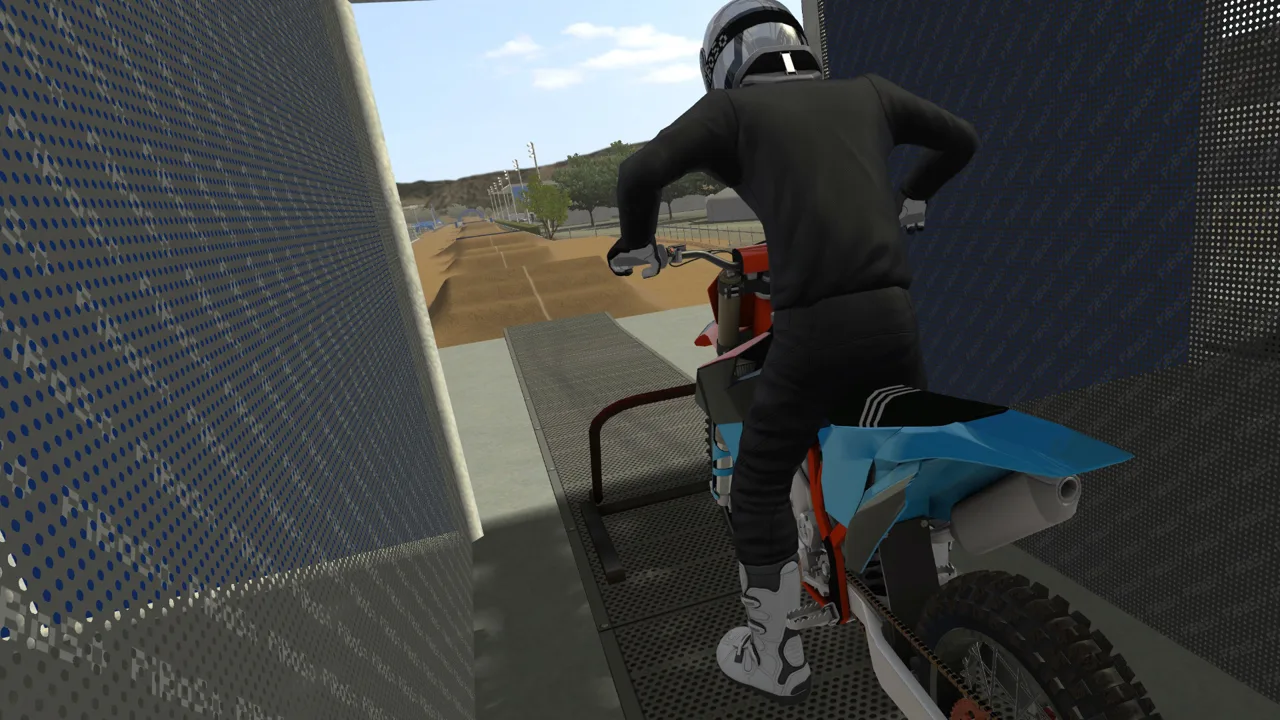
Start with a dedicated server before chasing faster lap times. This MX Bikes online guide covers finding a session, preparing your bike, and riding around other players without throwing away your race. Staying upright through traffic can save more time than pushing for one exceptional lap.
Open Race and look for the D marker in the server list. That identifies a dedicated server. Prefer these sessions when choosing where to ride: dedicated hosting generally offers a more reliable connection than a session hosted by another player, although it cannot eliminate connection problems.
MX Bikes supports the following on PC:
| Feature | Support |
|---|---|
| PC platform | Windows |
| Multiplayer modes | Online PvP, LAN PvP |
| Controller support | Partial Controller Support |
A controller is recommended for riding. Keep your keyboard accessible for camera adjustments and other commands.
You can host online races, too, and dedicated server software is available. If you need the game, get MX Bikes on Steam. There are no AI opponents or career mode, so use solo riding to practice before taking those skills into multiplayer.
Prepare Your Mods and Choose a Comfortable Bike
For modded sessions, start with the OEM bikes and the custom tracks you intend to ride. Add helmets, boots, gloves, and other cosmetic content afterward; focus your initial setup on getting onto the track.
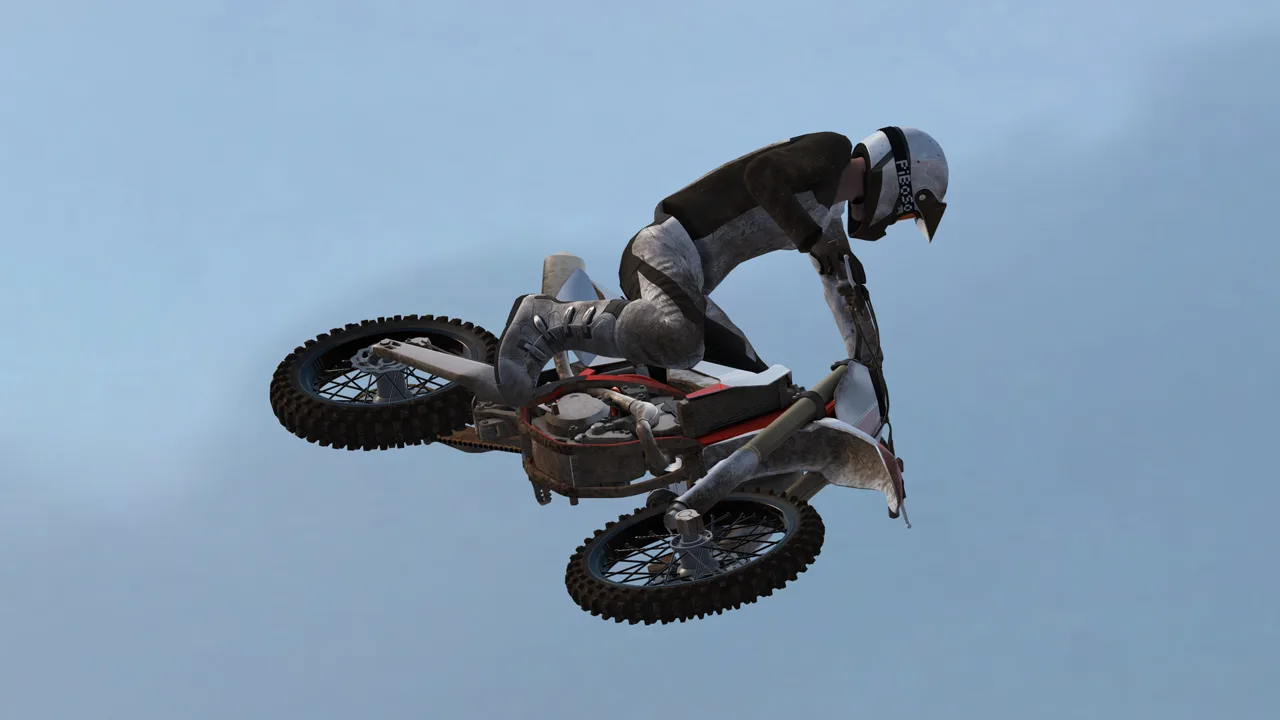 Image: Steam / PiBoSo
Pick a bike by how consistently you can ride it. Experiment with different bikes instead of choosing solely because one gets called the “meta.” Cornering feel, stability, and your ability to control the bike through rough sections all matter when you're racing alongside someone.
Apply the same approach to suspension. Try different setups and judge whether you can hold your intended line through bumps and corners. A setup that works for a faster rider can feel awkward with your inputs and pace.
Once something feels comfortable, give yourself enough riding time to learn it. Constantly switching bikes, suspension, and controls makes it harder to identify what actually needs work.
Set Your Controls and Camera Before Racing
Direct lean, gain, and linearity affect how your steering input translates into bike movement. Adjust them to suit your control style rather than copying a fast rider's settings and expecting identical results.
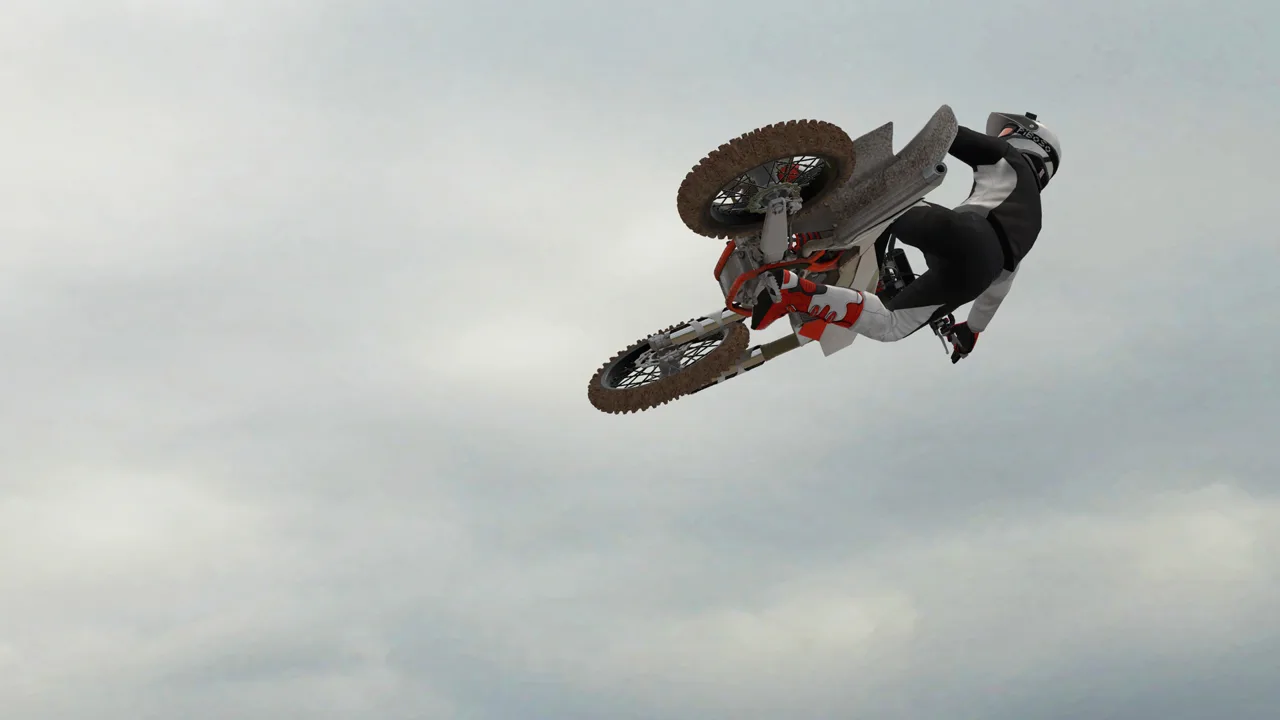 Image: Steam / PiBoSo
Change one setting at a time, then ride familiar corners. Pay attention to whether you can enter a rut, maintain your lean, and straighten the bike without repeated corrections.
For riding aids:
- Try riding with lean help disabled so you can develop control without depending on it.
- Use brake help if you struggle with locking the brakes.
- Enable auto clutch if you want to avoid manually restarting after stalls.
For first-person riding, press V to cycle camera views and try Dynamic Onboard alongside Static Onboard. Use Shift+C and the arrow keys to adjust the onboard viewpoint.
Under Settings > Simulation, experiment with tilt and pitch. Tilt affects camera rotation as you lean; pitch changes how far the view angles downward. Start with little or no pitch if looking toward the front fender makes the next corner harder to read.
Keep engine audio useful, too. Listen for bogging when the gear is too high and excessive revving when you're spinning on corner exit. Use those cues to refine shifting and throttle control.
Build Your Lap Around Corner Exits
Brake early enough to reach the beginning of a rut under control. Entering halfway through it leaves you trying to recover your line when you should already be preparing to accelerate.
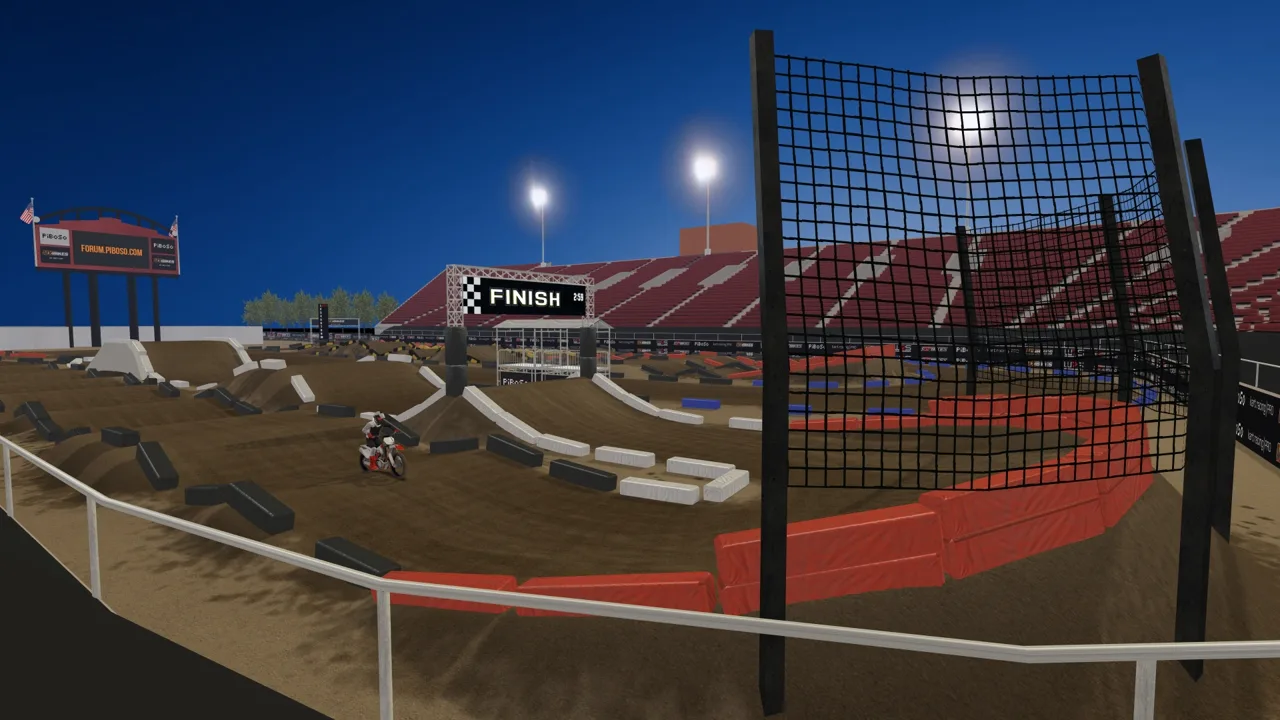 Image: Steam / PiBoSo
Practice this sequence:
- Identify the exit and the next section before committing to the turn.
- Open your entry where the track and nearby riders allow.
- Join your chosen line smoothly instead of forcing a sharp correction.
- Accelerate as the bike settles and the exit opens.
Avoid following every visible groove automatically. Test wider approaches and smoother arcs during practice, then compare how much speed you carry onto the next straight.
For rough, rutted corners, try standing and leaning forward with your rider centered laterally. Use sitting and counterleaning selectively on flatter turns. Practice both approaches so you can adapt to the corner instead of using one body position everywhere.
Leave aggressive whips for separate practice. While learning a race line, focus on clearing the jump and landing ready for the next turn.
Find Smoother Routes Through Bumps and Rollers
Look for opportunities to skip bumps instead of hitting every one in sequence. Practice doubling suitable bumps and landing in position to accelerate, especially where rough braking zones lead into corners.
Build these lines in solo practice before attempting them in traffic. A line that occasionally produces a fast lap can still cost you heavily if you cannot repeat it.
Practice controlled front-wheel lifts as well. Getting comfortable with the front wheel off the ground helps with manualing rollers and preparing for certain Supercross rhythm entries.
Keep the lift controlled and concentrate on throttle precision. The useful skill is placing the front wheel where the section demands it.
When the bike starts swapping or the front begins washing out, try easing off your steering input and throttle. Give it a chance to straighten before adding another correction. Fighting every movement with larger inputs can make recovery harder.
Race Around Other Riders With Room to React
Bind look back and look side to side so you can check nearby riders. Use them where you can still maintain control of your line.
Before committing to a corner, check whether someone is attempting an inside pass. If the move is already developing, back off enough to avoid contact. Giving up a position can cost less time than getting knocked down and restarting.
Leave room for predictable mistakes:
- Avoid lingering alongside the outside of a rider who could run wide.
- Allow extra space when another rider moves across the track over jumps.
- Resist forcing a side-by-side line when neither bike has room to recover.
- Watch where a rival is heading, not just where their bike is now.
Judge a race by the time you spend moving, too. Preventing one collision can matter more than defending every position.
Adjust Graphics So You Can Read the Track
Prioritize visibility when shadows or surface detail hide braking bumps and jump faces.
Try reducing shadows in dark sections. If a track creator offers a lower-detail version, experiment with it to see whether the terrain becomes easier to read.
Watch contrast adjustments carefully. Making bright areas brighter and dark areas darker can make a scene look dramatic while obscuring the details you need for a consistent takeoff.
Compare the same difficult section after each change. Focus on whether you can identify the rut entrance, bump spacing, and takeoff shape early enough to react.
Practice Beyond Your Favorite Server Tracks
Rotate through different tracks instead of staying on the same familiar layouts. Flat corners, rough outdoor sections, and Supercross rhythms ask for different skills.
Give each practice session a specific target: repeat a corner exit, clear a rhythm reliably, or complete laps with fewer falls. Keep your controls consistent while working on that target so you can tell whether your riding is improving.
Measure progress against your own previous results. Compare repeatable laps and crash frequency rather than treating one unusually fast qualifying lap as your normal pace. When you return to online racing, choose lines you can execute with another bike beside you.
Continue with
 MX Bikes Account: Sign Up for Mods and Online RacingSet up your MX Bikes account for mod access and championship sign-ups. Learn which login to use, how to confirm your email, and how to register for races.
More in Online
See all OnlineContinue exploring
MX Bikes Beginner Guide: Ride Faster With Fewer Crashes
MX Bikes beginner guide covers controller setup, cornering, braking, jumps, and mods. Learn to ride smoother, avoid crashes, and build consistent speed.
MX Bikes VR Setup Guide: Controls, Settings, and Tips
Set up MX Bikes VR with launch options, controller tips, camera recenter steps, and graphics tweaks to get comfortable before tackling jumps and ruts.
Join the community
Official channels for news, updates and player help: