Early access · Release date: October 7, 2019
UpdatedMX Bikes Discord: Find Mod Help and Online Race Tips
Find your way around MX Bikes Discord communities, get Project OEM mod support, and learn what to ask before joining online races or changing your setup.
Jump to
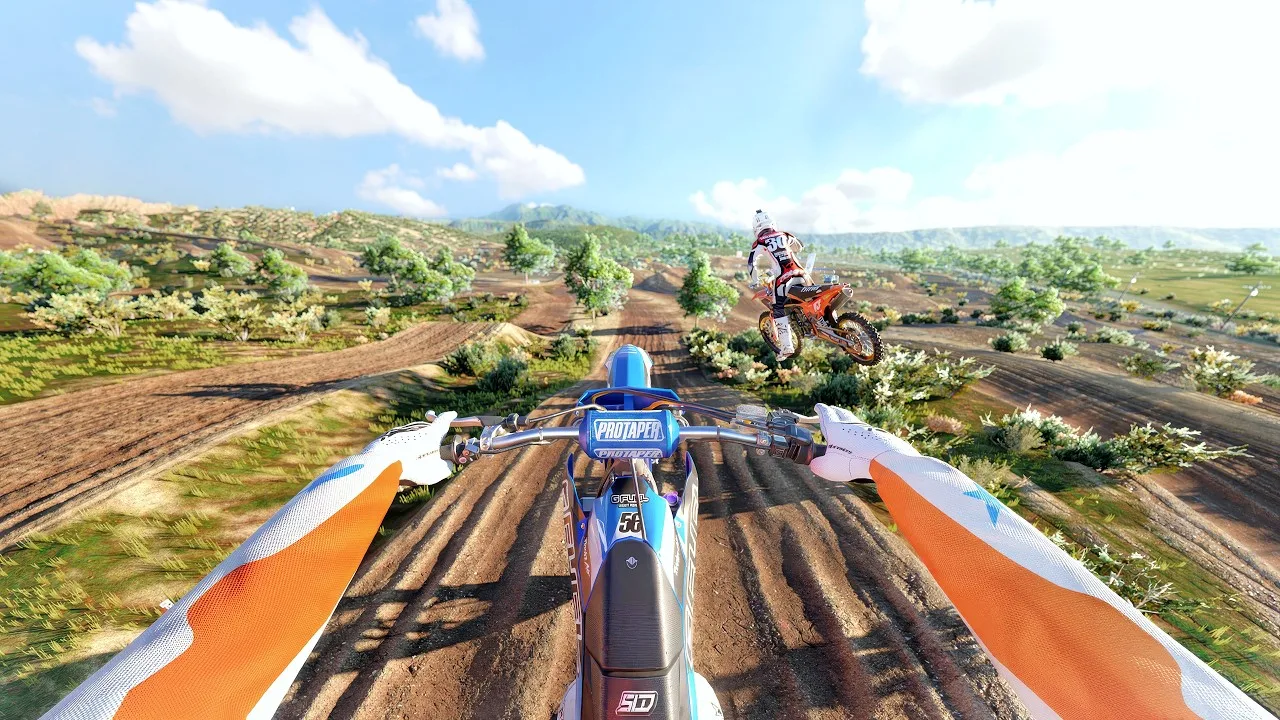
Where to Find Help With OEM Bike Mods
Getting help with a bike pack starts with reaching the people building it. For MX Bikes Discord help with OEM mods, head to Project OEM’s dedicated community. Its server connects riders with the mod team for questions, feedback, and development updates.
Project OEM has its own Discord community focused on its MX Bikes mod packs. Use its community announcement to reach the server, then keep your questions centered on the pack or feature you’re using.
The community covers several useful areas:
- Bike-pack questions: Ask the team about its mods and share problems you encounter.
- Development updates: Follow progress, previews, and behind-the-scenes work.
- Feedback and suggestions: Explain what you’d like improved or added.
- Mod collaboration: Connect with other riders interested in creating content.
For a focused question, describe the bike, the behavior you’re seeing, and what you expected to happen. “The bike feels wrong” gives someone much less to work with than a specific explanation of what happens entering a corner.
Official page: MX Bikes (mx-bikes.com)
Keep Bike-Pack Questions Separate From Riding Questions
MX Bikes supports custom bikes, tracks, helmets, protective equipment, and rider gear. That creates plenty of reasons to ask for help, but an installation question needs a different explanation than a handling question.
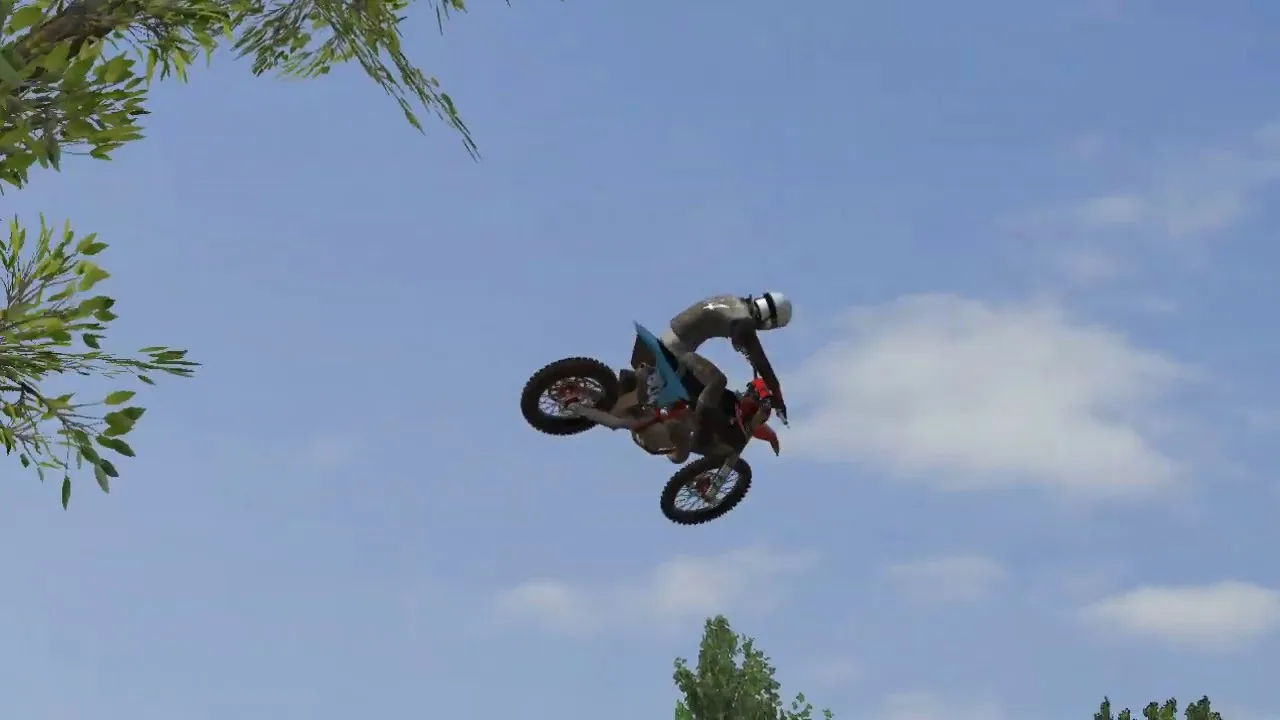
Before posting, identify what you need:
- Mod help: Name the pack or piece of content you’re trying to use.
- Controller help: Explain which input feels difficult to control.
- Riding help: Describe the corner, jump, or track section causing trouble.
- Online help: Include the server and the exact connection problem.
You can ride without community mods; custom content expands the bikes, tracks, and gear available to you. Avoid changing several things while troubleshooting. Test the specific change you’re asking about so your follow-up explains whether it helped.
For handling questions, distinguish the bike’s lean from the rider’s camera movement. First-person camera tilt and pitch affect your view, so include those settings when the problem is how cornering looks rather than how the bike responds.
Discord Communities and Online Race Servers Serve Different Roles
Use Discord to talk with riders and mod teams. Join the actual racing session through MX Bikes’ online race interface.
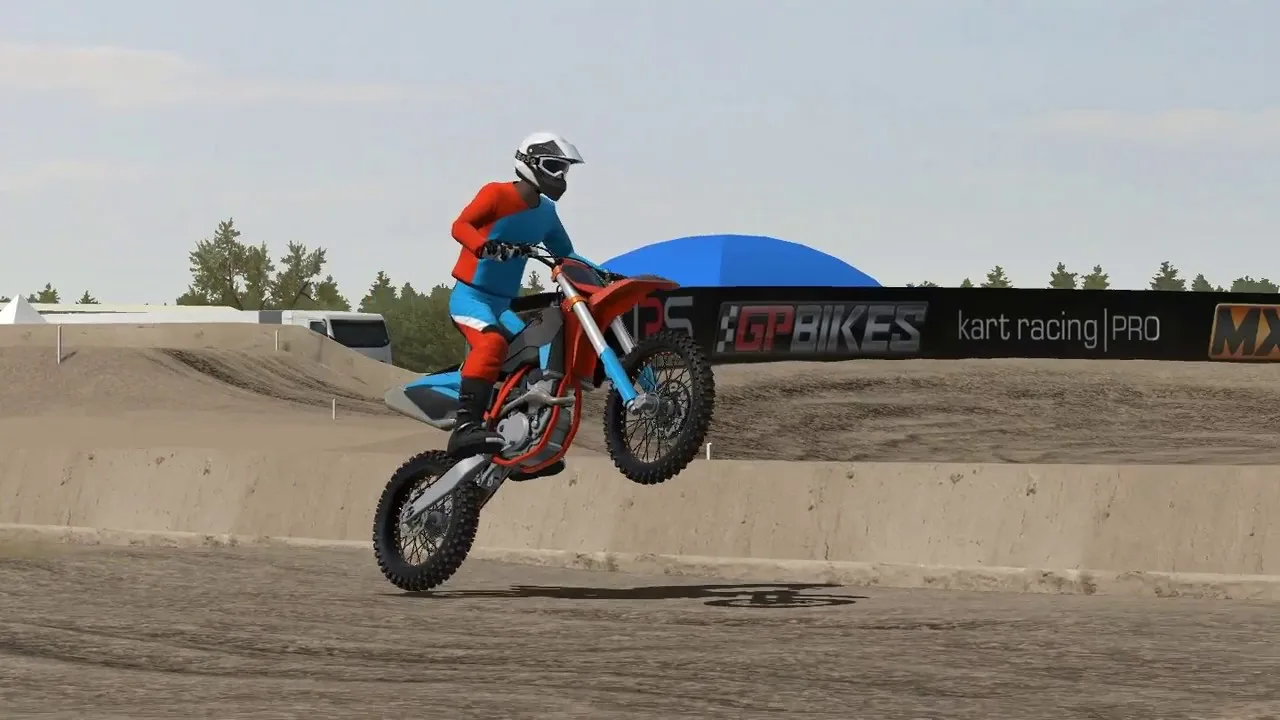
The game supports hosting and joining online races, LAN play, and dedicated servers. In the race browser, a D identifies a dedicated server. Look for that marker when choosing a dedicated session, and name the server when asking about a connection timeout.
Include your game version when discussing multiplayer behavior. The June 10, 2026 beta21e update included:
- A fix for harsh multiplayer collisions.
- Support for tire selection.
Those changes give a handling or racing discussion useful context. Describe whether the problem happens during contact with another rider, during normal cornering, or before you can join the session.
Ask for Riding Advice You Can Test
A shared setup gives you something to try, but a specific riding question makes the answer more useful. Ask about one input or track section at a time.
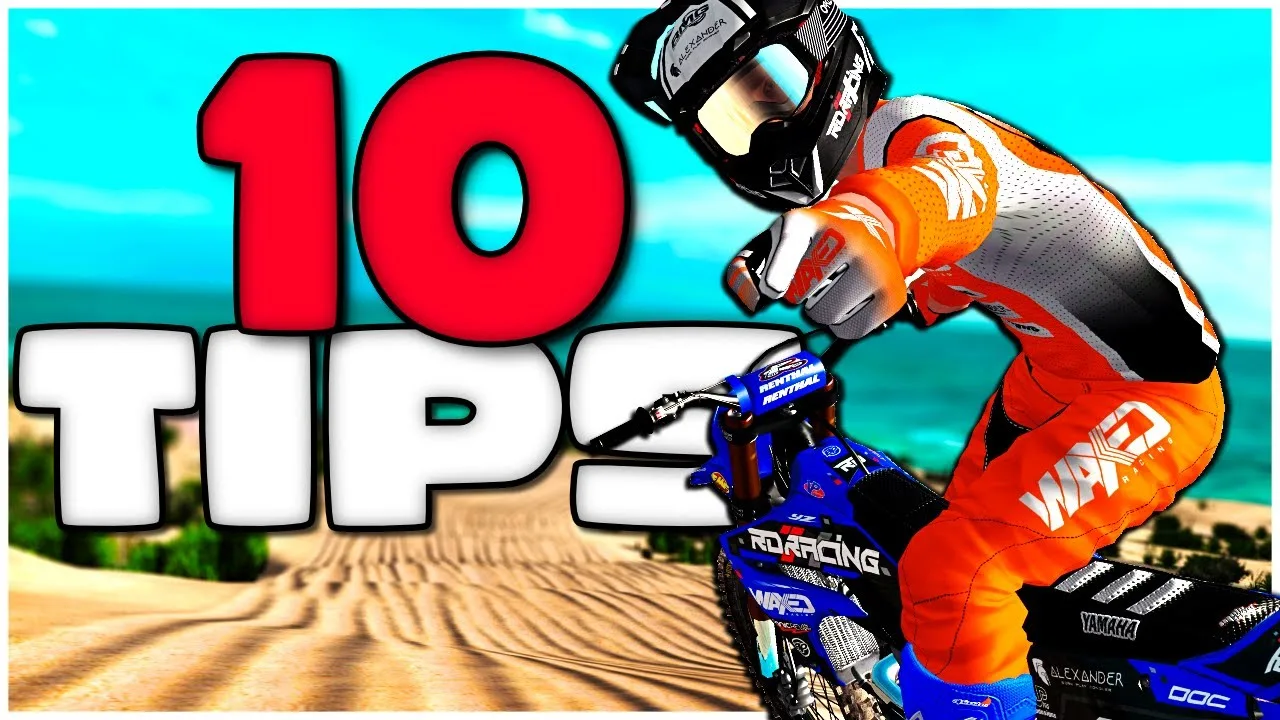
If you keep losing speed through corners, focus the discussion on corner entry. Practice reaching the beginning of the rut cleanly and carrying speed through the exit before adding aggressive whips or scrubs.
For camera questions, press V to cycle views and try dynamic onboard. Explain which view you use when asking other riders about camera settings.
For controller questions, use the input visualizer under Settings > Input to inspect what your controls are doing. Check for unwanted steering input at rest and brake input when you aren’t pressing the trigger.
After trying a suggestion, reply with the setting you changed and what happened on track. A clear result gives the next person something concrete to adjust.
Continue with
 MX Bikes Online Guide: Join Servers and Race CleanerUse this MX Bikes online guide to choose dedicated servers, prepare mods, dial in controller settings, and race cleaner with better lines and awareness.
More in Online
See all Online
Continue exploring
Join the community
Official channels for news, updates and player help: