Early access · Release date: October 7, 2019
UpdatedMX Bikes Bike Packs: OEM Downloads and Install Guide
Explore MX Bikes bike packs, compare motocross, enduro, and supermoto options, and learn how to install OEM bikes and fix common tire or server mismatches.
Jump to
Which Bike Pack Should You Download?
MX Bikes bike packs expand your garage, but choosing the right download also matters when joining online races. For MX OEM v0.19.1, choose a Full Pack download for playing; the Server Version is reserved for server hosts. Install the matching tires alongside the bikes to avoid an incomplete installation.
Choose your pack by the riding you want to do:
- MX OEM v0.19.1: The motocross pack, released January 9, 2025. This release contains 53 MX OEM bikes.
- Enduro OEM v0.19.0: Released with updates that include a tire overhaul.
- Supermoto OEM v0.20.0: Updates the separate supermoto pack.
- Freeride OEM: Released following changes in the competition-focused MX pack that made some freeride riding more challenging.
These are separate releases, so their version numbers do not move together. Supermoto v0.20.0 does not mean the motocross pack has the same version number.
Also check whether a download contains new bikes, model swaps, or paints. Those categories appear alongside one another, and a graphics or model-swap purchase should not be mistaken for the full riding pack.
Official page: MX Bikes (mx-bikes.com)
How to Install the MX OEM Pack
For v0.19.1, the important folder relationship is simple: bikes and tyres both belong directly inside mods.
 Image: Steam / PiBoSo
- Download one Full Pack mirror. The v0.19.1 release offers MediaFire, MEGA, and Google Drive options. Choose one complete download.
- Back up custom content and record your setups. Preserve custom paints and sounds, and take screenshots of garage settings before replacing the older pack.
- Remove the old MX OEM bike archives. The v0.19.1 installation instructions require removing existing
MX*OEM.pkzfiles before adding the update. - Extract the downloaded archive. Copy the contents of its
modsfolder into your ownmodsfolder. - Check both destination folders. You should have
mods/bikes/andmods/tyres/. - Check the tire archive. The v0.19.1 package includes
oem_mx.pkz, which belongs inmods/tyres/.
Avoid nesting the folders as mods/bikes/bikes/ or putting tires in mods/bikes/tyres/. Copying the archive’s outer folder into the wrong location can leave the files present on your drive without putting them where the game expects them.
Check Game and Pack Versions Separately
The game beta and the bike-pack version are different compatibility checks. MX OEM v0.19.1 was made for Beta 19 and is labeled compatible with other betas. Keep that release information separate from whichever version a multiplayer server requires.
 Image: Steam / PiBoSo
The June 10, 2026 MX Bikes beta21e update changed several systems relevant to riding:
| System | beta21e change |
|---|---|
| Tire selection | Added support for tire selection |
| Terrain deformation | Fixed terrain deformation |
| Rider simulation | Fixed rider legs’ simulation |
| Multiplayer collisions | Fixed harsh multiplayer collisions |
| Jump crashes | Added an overjump crash option |
Check the server’s required pack before replacing a working installation. Servers do not necessarily update immediately when a new pack arrives, so a newer local download can still produce a mismatch against an older server.
Fix Missing Bikes, Tire Errors, and Crashes
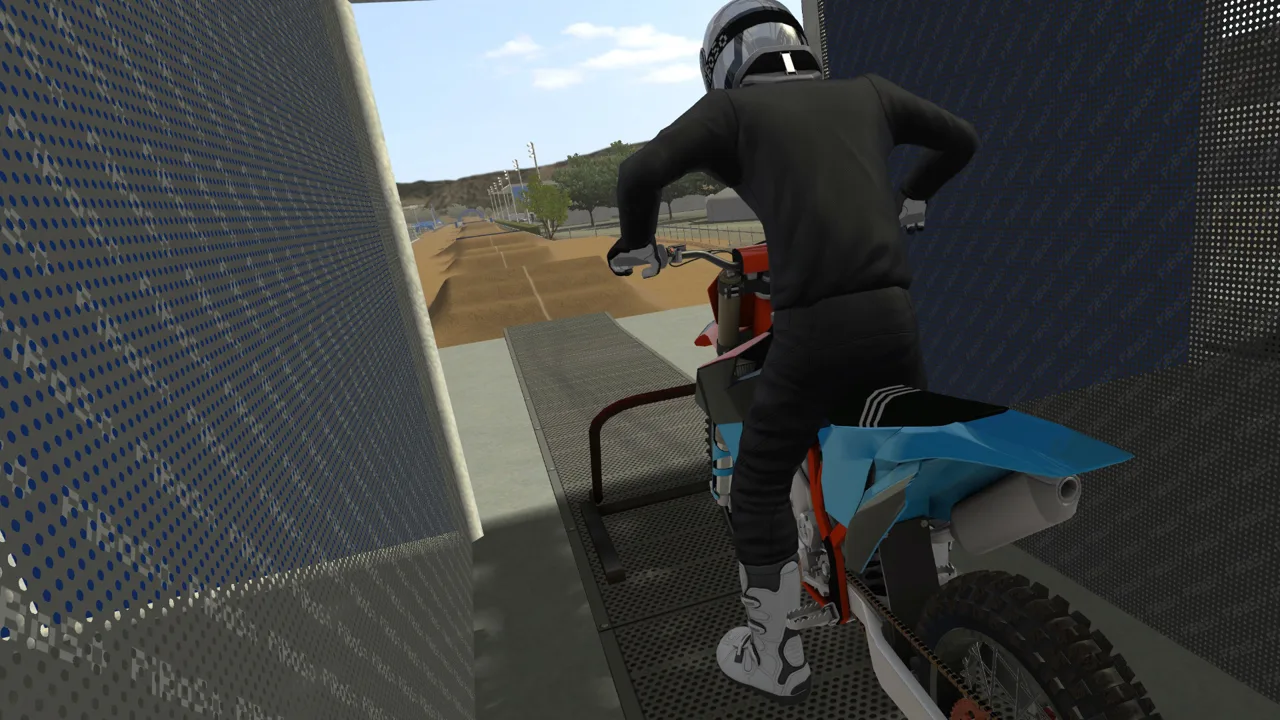 Image: Steam / PiBoSo
“Bike Unknown to Server” or “Missing Bike”
Check for leftover MX OEM archives, then compare your installed pack with the server’s required release. Reinstalling the same files over an older collection leaves the outdated archives in place.
For v0.19.1, remember these roster changes:
MX1OEM_2023_Fantic_XXF_450was replaced with a 2025 model.MX2OEM_2023_Fantic_XXF_250was replaced with a 2025 model.MX2OEM_2023_Yamaha_YZ250Fwas removed.
An older server requiring that Yamaha needs a different roster from the v0.19.1 installation.
Tire Mismatches
Check mods/tyres/ before downloading the bikes again. For v0.19.1, make sure oem_mx.pkz is there, rather than inside the bikes folder or still sitting in the downloaded ZIP.
For a tire mismatch when joining a server, compare the required tire package and version as well as the bikes.
Crashes With an Older Setup
With v0.19.1, older garage setups can remain visible despite being incompatible with changed settings, including added gear settings. Using those setups can cause crashes.
Record the old values with screenshots, then create a fresh setup for the updated bike instead of reusing the older setup unchanged.
Find the Right Bike Category and Paint
A bike that seems missing may be under a different class filter. The OEM category breakdown includes:
- MX1: 450 and 350 bikes.
- MX2: 250 bikes.
- MX1 2T: 250 two-strokes.
- MX2 2T: 125 two-strokes.
- MX3: Large-displacement bikes, including 500-class machines.
Check the relevant category before repeating the installation.
Paint compatibility also depends on the model. The v0.19.1 Fantic replacements changed the front fender and number plate, so older paints only work partially on those updated models. Match the paint to the bike’s model year when choosing graphics for the replacement Fantics.
Popular pages
MX Bikes Model Swap: Install Guide and Paint Fixes
Install an MX Bikes model swap with the right bike folder, match paints and exhausts, and fix missing models or stretched graphics before your next ride.
MX Bikes Account: Sign Up for Mods and Online Racing
Set up your MX Bikes account for mod access and championship sign-ups. Learn which login to use, how to confirm your email, and how to register for races.
MX Bikes Map Mod: How to Install Tracks and Freeride
Find an MX Bikes map mod, install custom tracks in the right folder, and fix loading issues. Explore motocross layouts, compounds, and freeride terrain.
MX Bikes Demo: Download, PC Requirements, and Setup
Try out the MX Bikes demo on Windows. Find the download, compare PC requirements, set up your controller, and learn smoother starts, corners, and jumps.
Join the community
Official channels for news, updates and player help: